How To
How to Fix File Is Too Large Error in Google Sheets
Google Sheets file too large error? Learn 5 proven fixes: split files, convert Excel to CSV, and use server-side import tools.
8 min read
Practical how-to guides for Google Sheets tasks. Import CSV files, merge data, and automate your spreadsheet workflows.
Google Sheets file too large error? Learn 5 proven fixes: split files, convert Excel to CSV, and use server-side import tools.
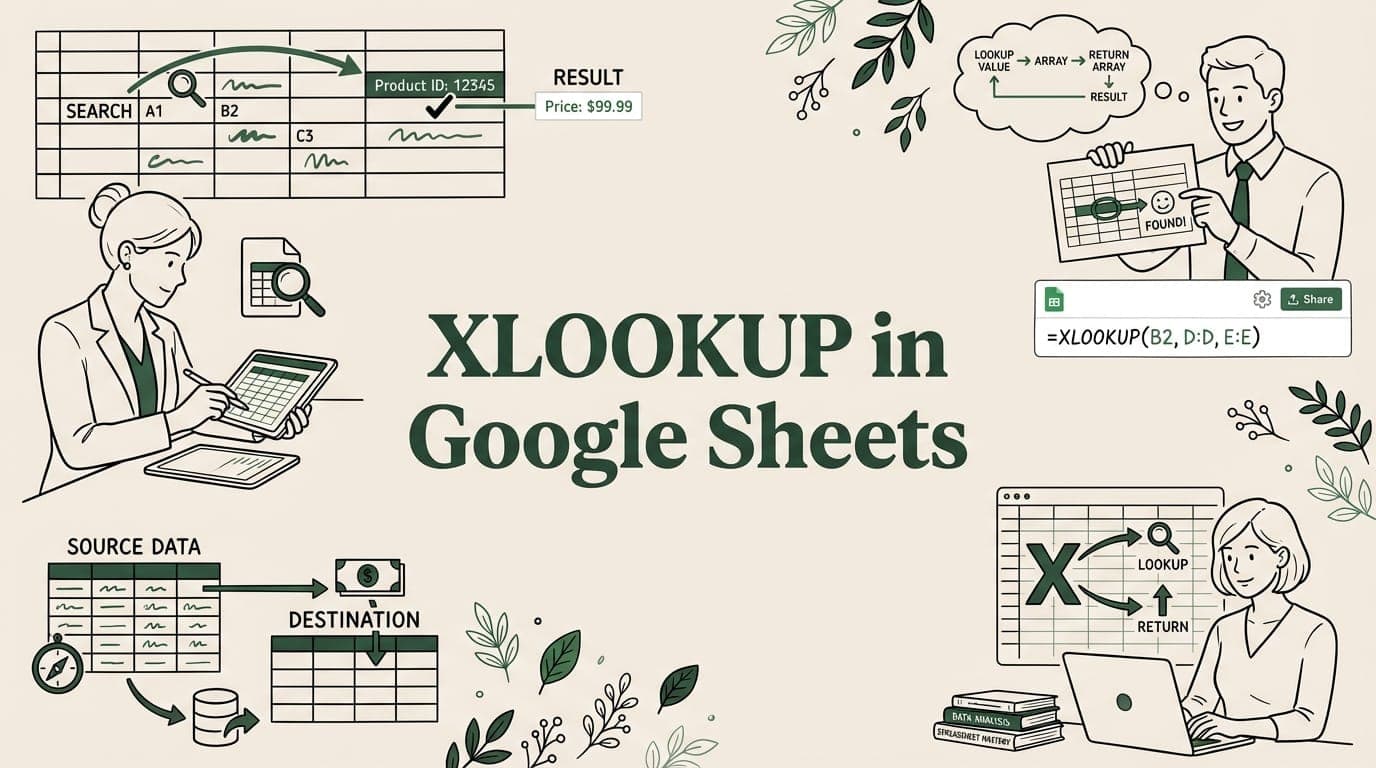
Learn how to use XLOOKUP in Google Sheets with examples. Covers syntax, VLOOKUP comparison, wildcards, reverse lookups, and advanced techniques.
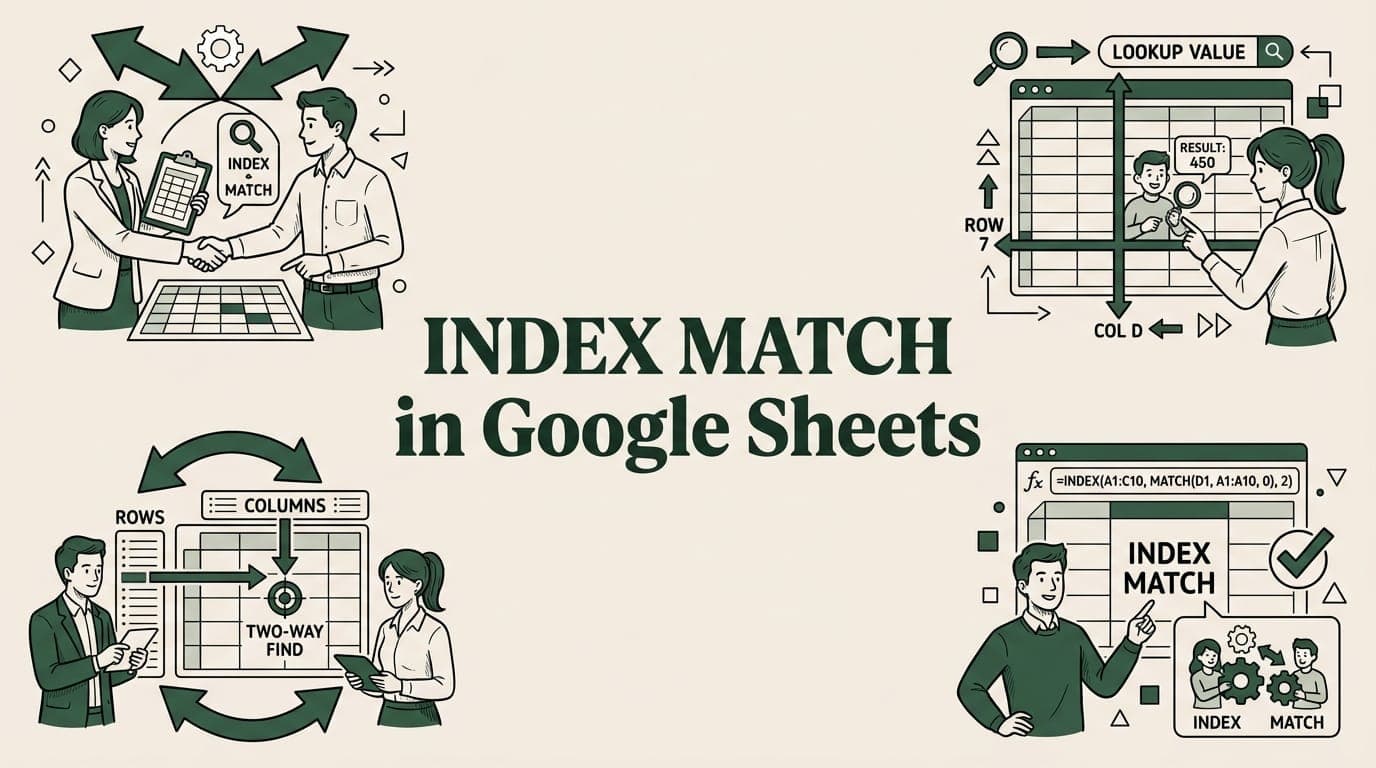
Learn INDEX MATCH in Google Sheets with step-by-step examples. Faster and more flexible than VLOOKUP for left lookups.

Discover how to add and interpret a Google Sheets line of best fit. This guide covers trendlines, functions like LINEST, and analyzing any dataset.

4 proven methods to upload large CSV files to Google Sheets without crashes. Fix file size limits, browser freezes, and import failures.
Big CSV and Excel imports freeze the tab and lose work. SmoothSheet does them server-side, with a backup you can roll back to.