Tips
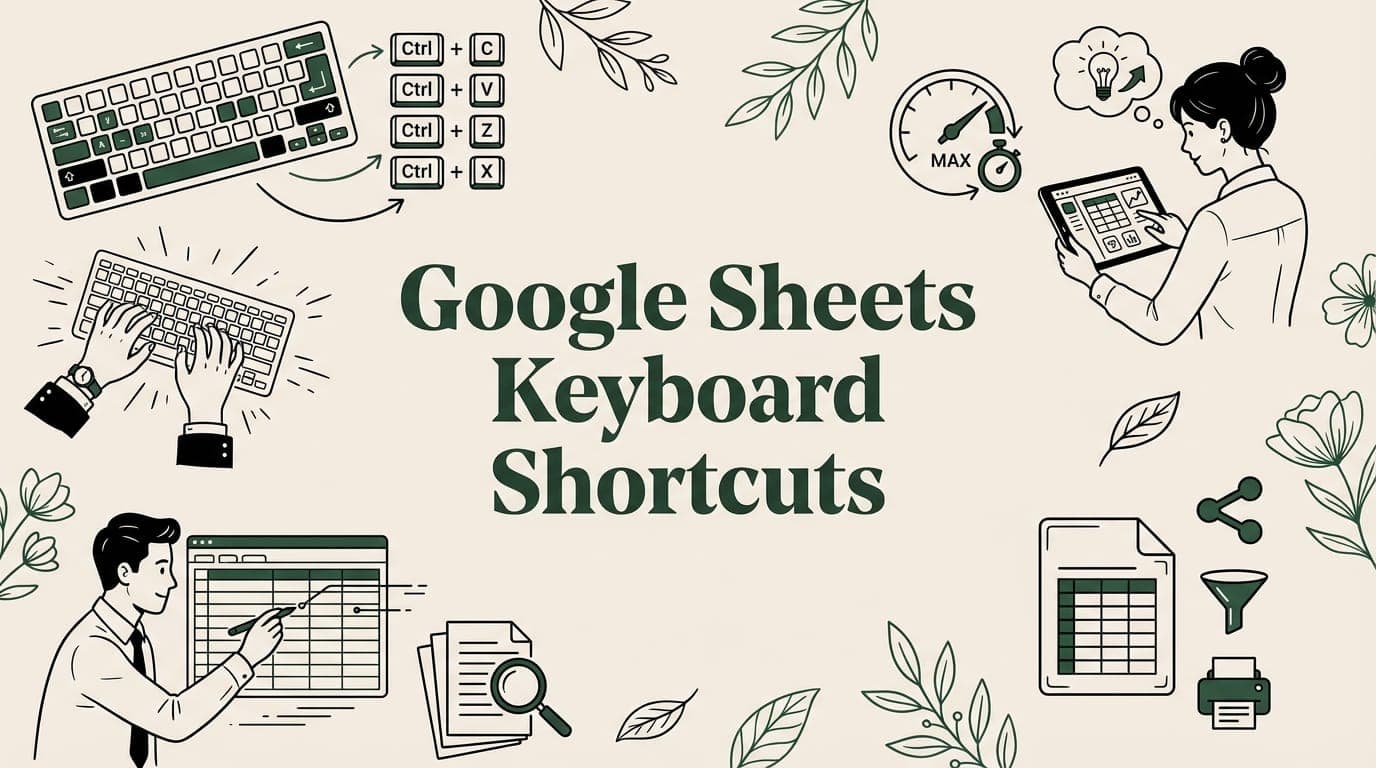
Google Sheets Keyboard Shortcuts: The Ultimate Cheat Sheet (2026)
Master 50+ Google Sheets keyboard shortcuts for navigation, editing, formatting, and formulas. Windows and Mac cheat sheet included.
7 min read
Quick productivity tips for Google Sheets and Excel. Save time with shortcuts, formulas, and hidden features.
Master 50+ Google Sheets keyboard shortcuts for navigation, editing, formatting, and formulas. Windows and Mac cheat sheet included.
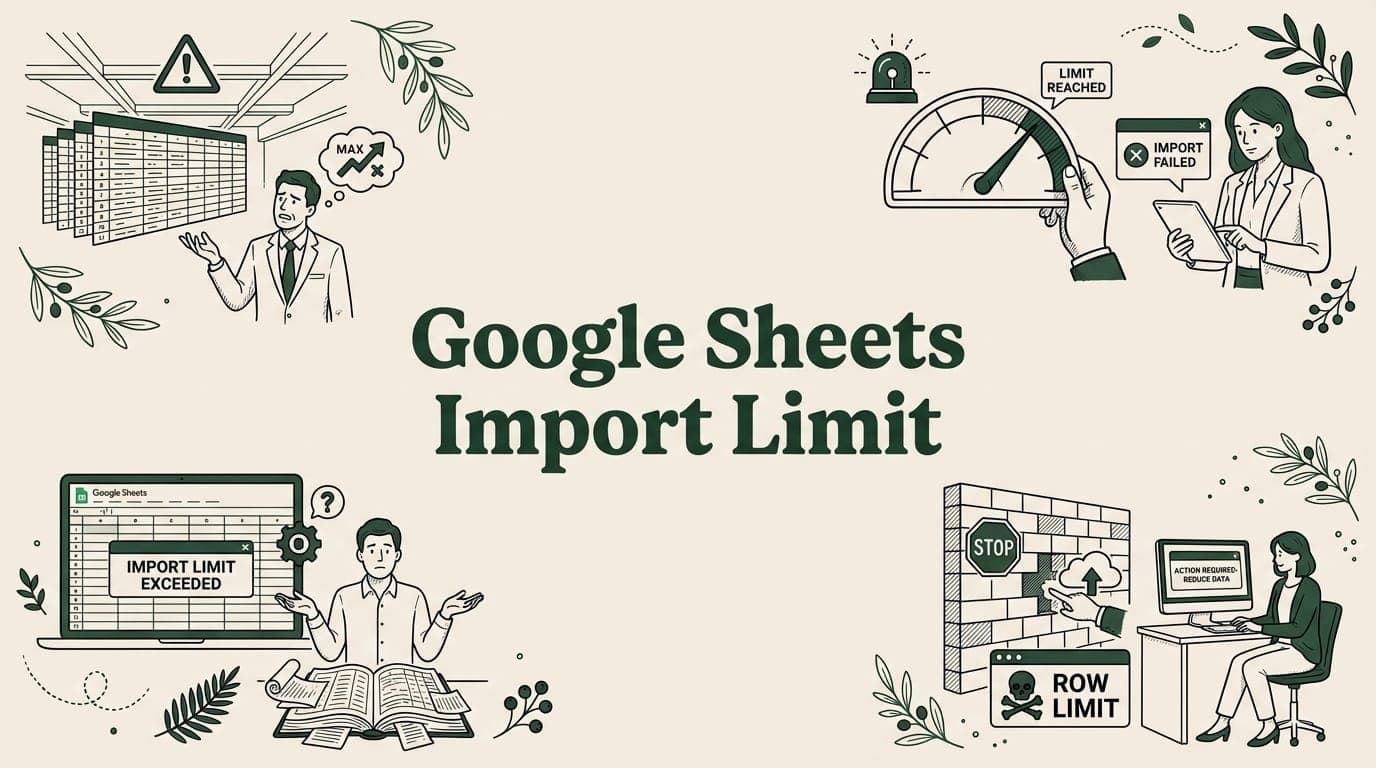
Google Sheets import limits: IMPORTDATA (50K cells), IMPORTRANGE (10M), file upload (100MB), and API quotas. Plus workarounds.

Browser-side CSV processing crashes on large files. Learn how server-side processing works for Google Sheets imports over 50MB.
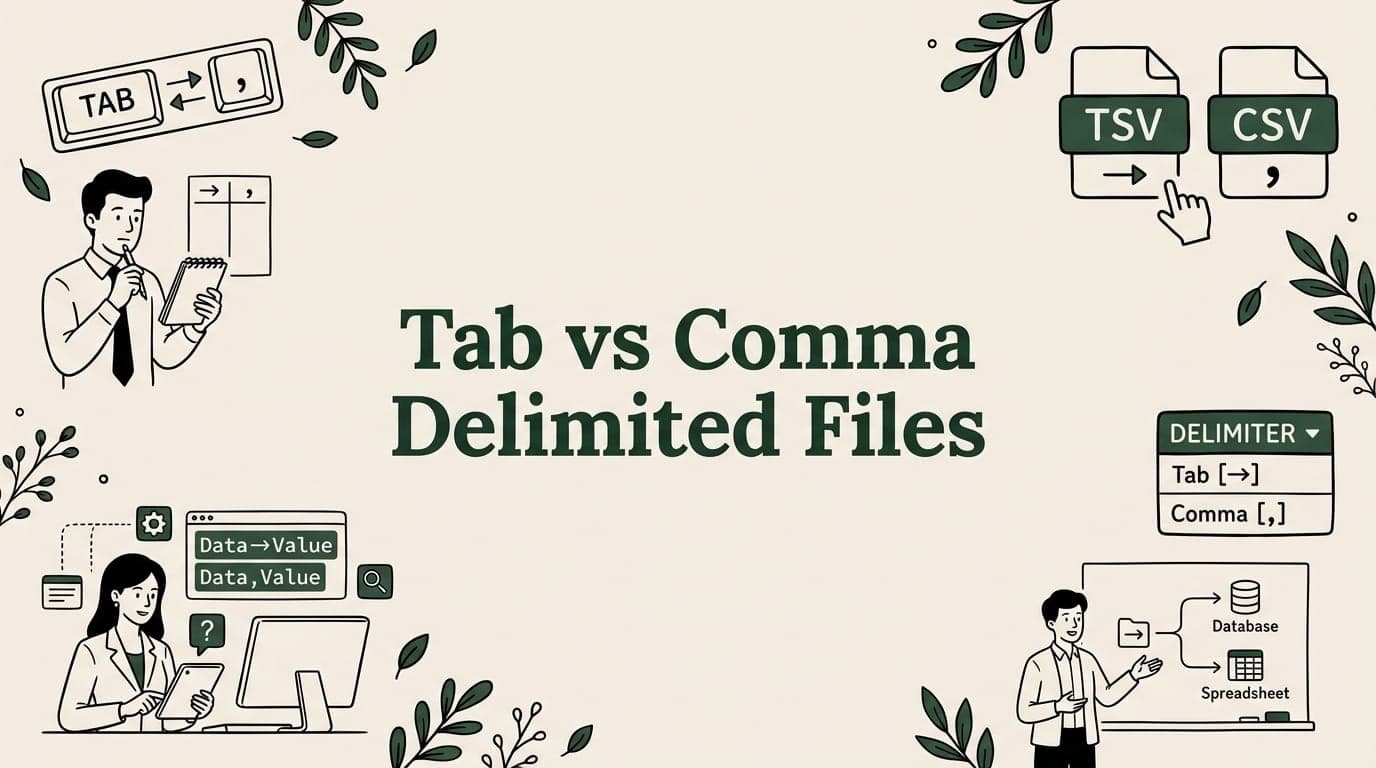
Tab or comma delimited? Compare CSV vs TSV formats, learn when to use each, and convert between them with free tools.
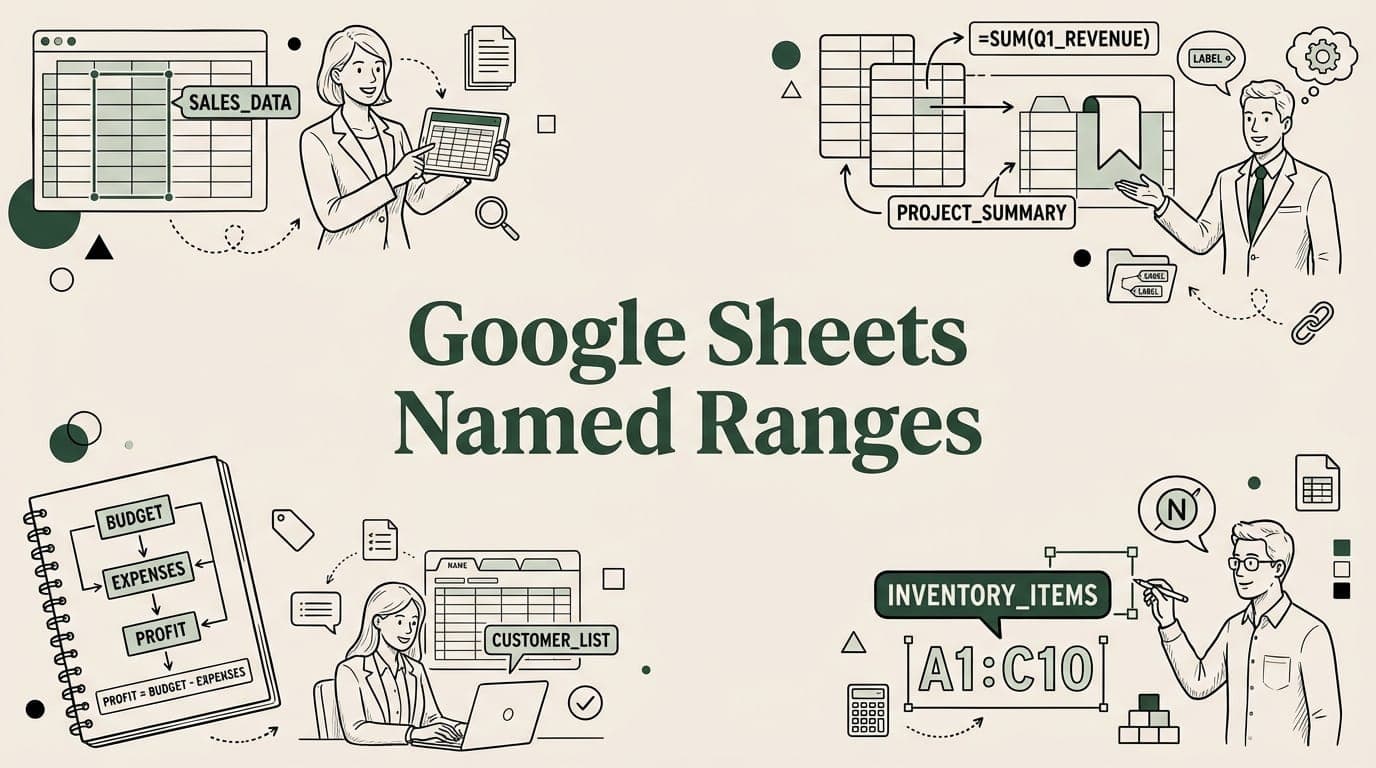
Named ranges make Google Sheets formulas readable and maintainable. Learn to create, use in SUMIF/VLOOKUP/QUERY, and manage named ranges.
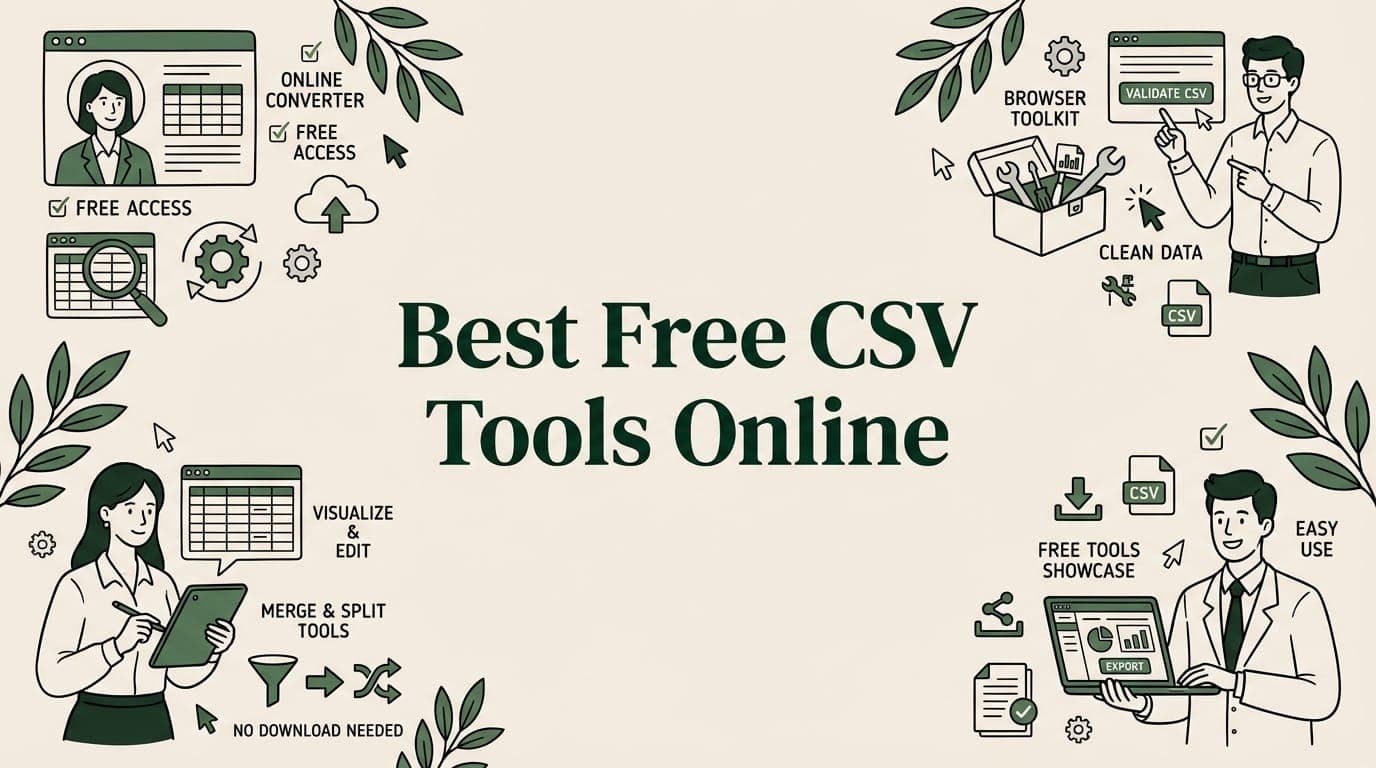
20 free browser-based CSV tools — split, merge, validate, convert, and clean CSV files online. No installation, 100% private, works instantly.
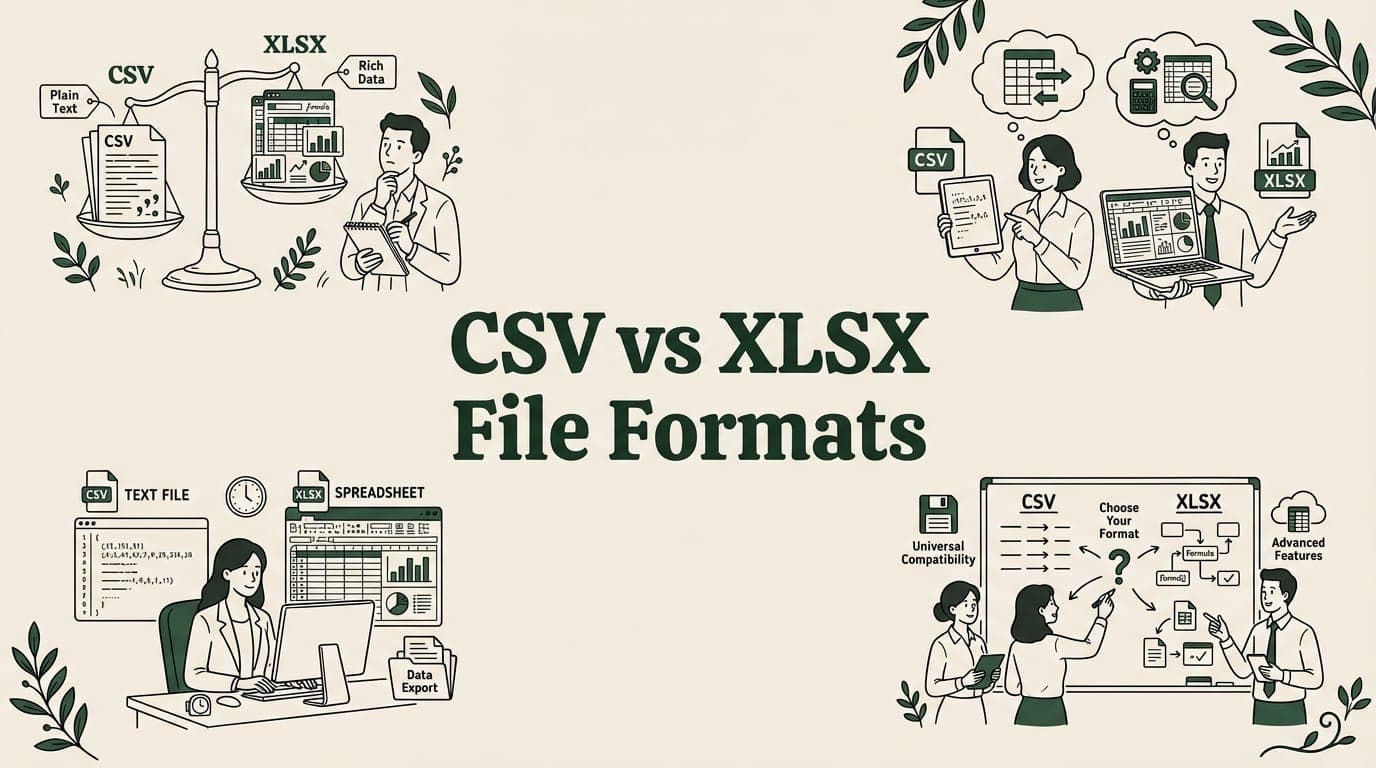
CSV or XLSX? Compare file size, compatibility, formulas, and formatting. Learn when to use each format and how to convert between them.
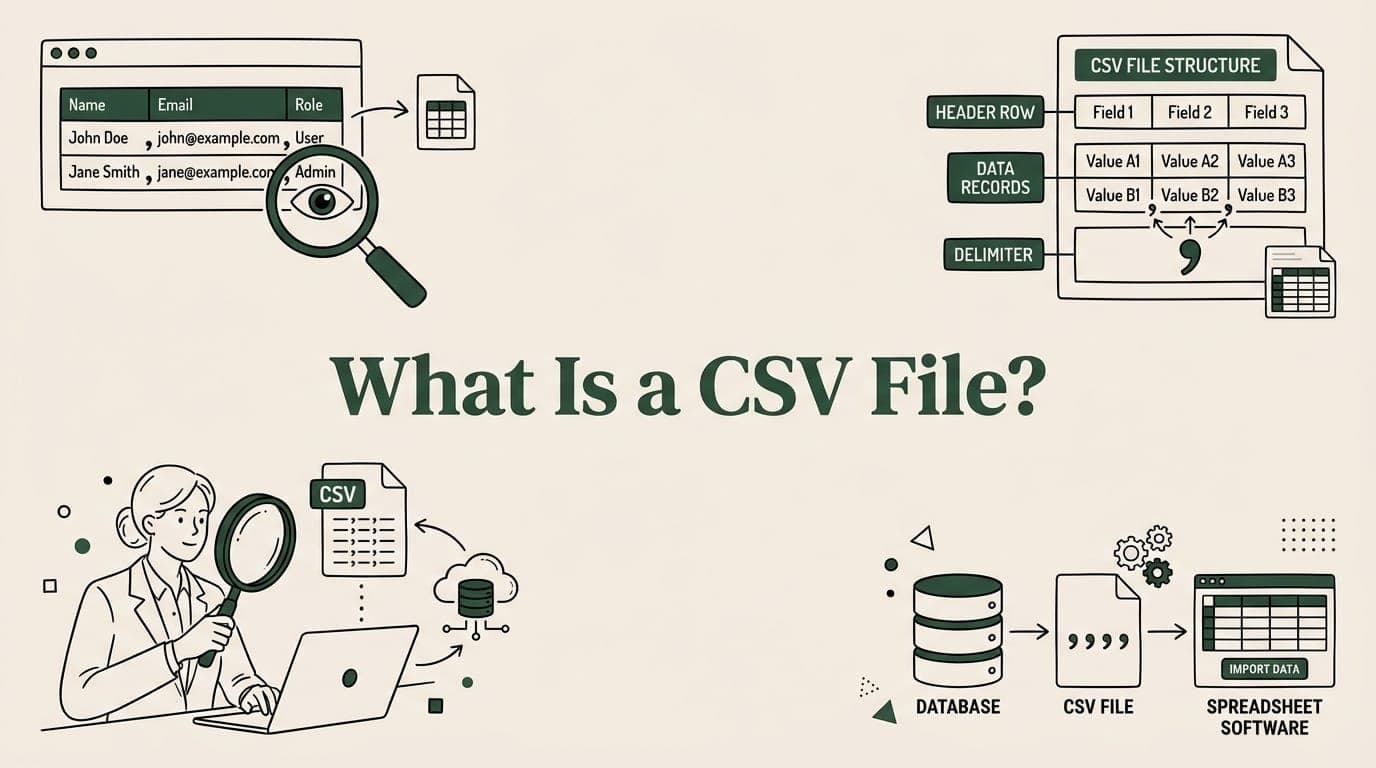
What is a CSV file? Learn about comma-separated values — how to open, create, and use CSV files. Plus CSV vs Excel differences explained simply.

VBA macros, Power Query, advanced PivotTables — these Excel features don't work in Google Sheets. Here are the best workarounds for each.
Big CSV and Excel imports freeze the tab and lose work. SmoothSheet does them server-side, with a backup you can roll back to.