Excel File Too Big to Open? A Guide to Fixing Massive Spreadsheets
Struggling with an Excel file too big to open? This guide provides actionable fixes, smart workarounds, and prevention tips to manage your largest spreadsheets.
16 min read
Practical guides for importing large CSV and Excel files into Google Sheets without crashes. Free tools, tutorials, and tips from SmoothSheet
Struggling with an Excel file too big to open? This guide provides actionable fixes, smart workarounds, and prevention tips to manage your largest spreadsheets.

Create charts in Google Sheets step by step. Learn bar, line, pie, scatter, and combo charts plus customization, sparklines, and publishing tips.
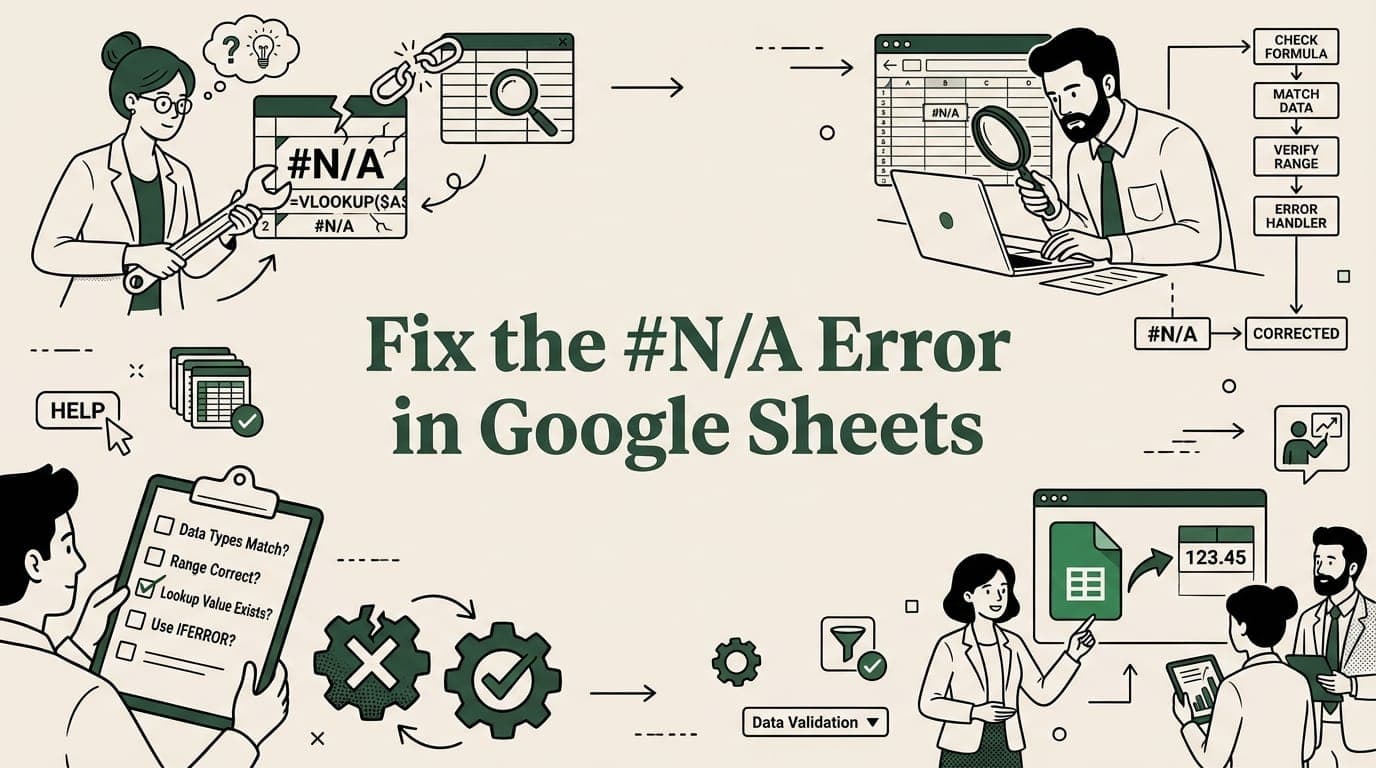
Fix the #N/A error in Google Sheets. Troubleshoot VLOOKUP, IMPORTRANGE, MATCH failures and learn to handle errors with IFERROR and IFNA.

Import JSON data to Google Sheets using Apps Script, IMPORTDATA, or third-party tools. Step-by-step guide with code examples for nested JSON.
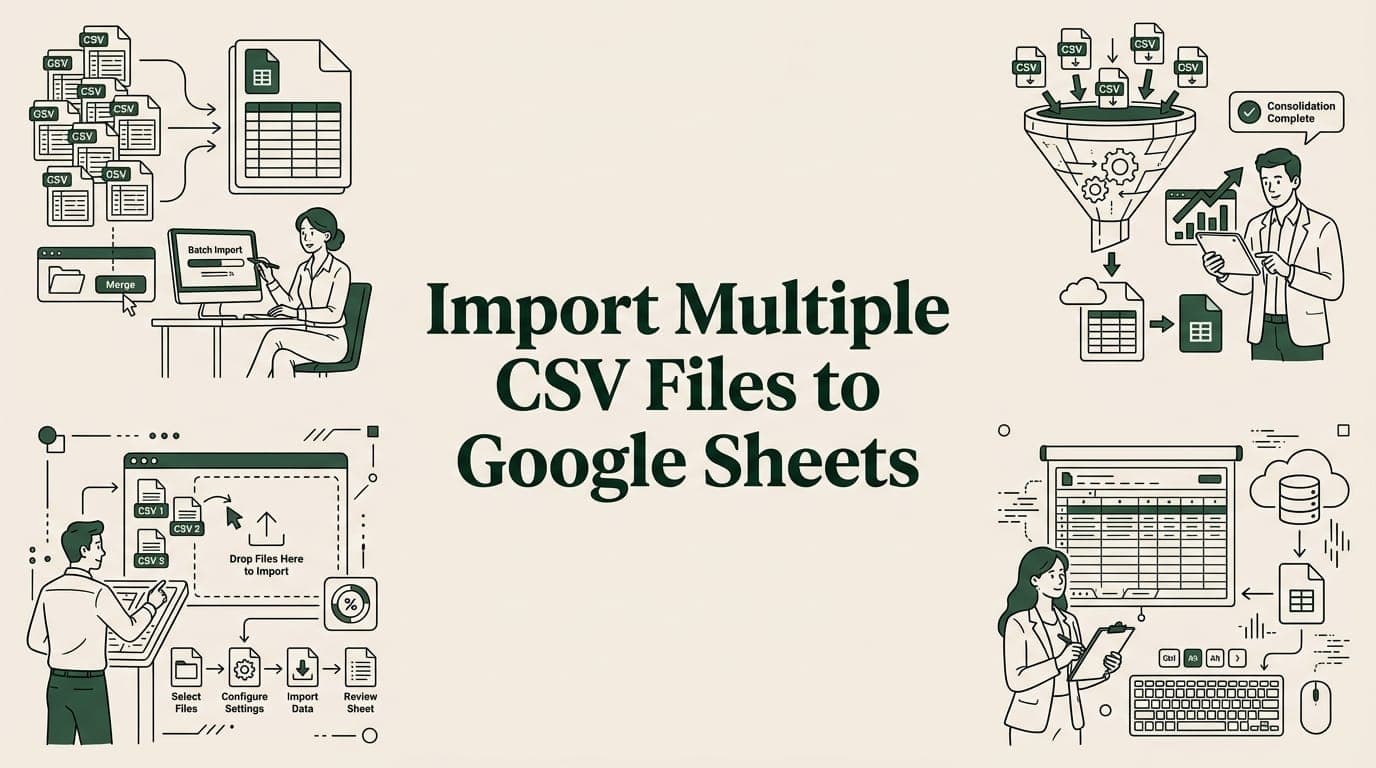
Learn 4 ways to import multiple CSV files into one Google Sheet — merge tool, Apps Script, IMPORTRANGE, and add-ons. Step-by-step guide.

Discover 10 essential data integrity best practices for spreadsheet workflows. Learn to prevent errors in CSV/XLSX imports with actionable tips.

Discover how financial reporting automation tools boost accuracy and speed, with practical tips for selection, implementation, and ROI.
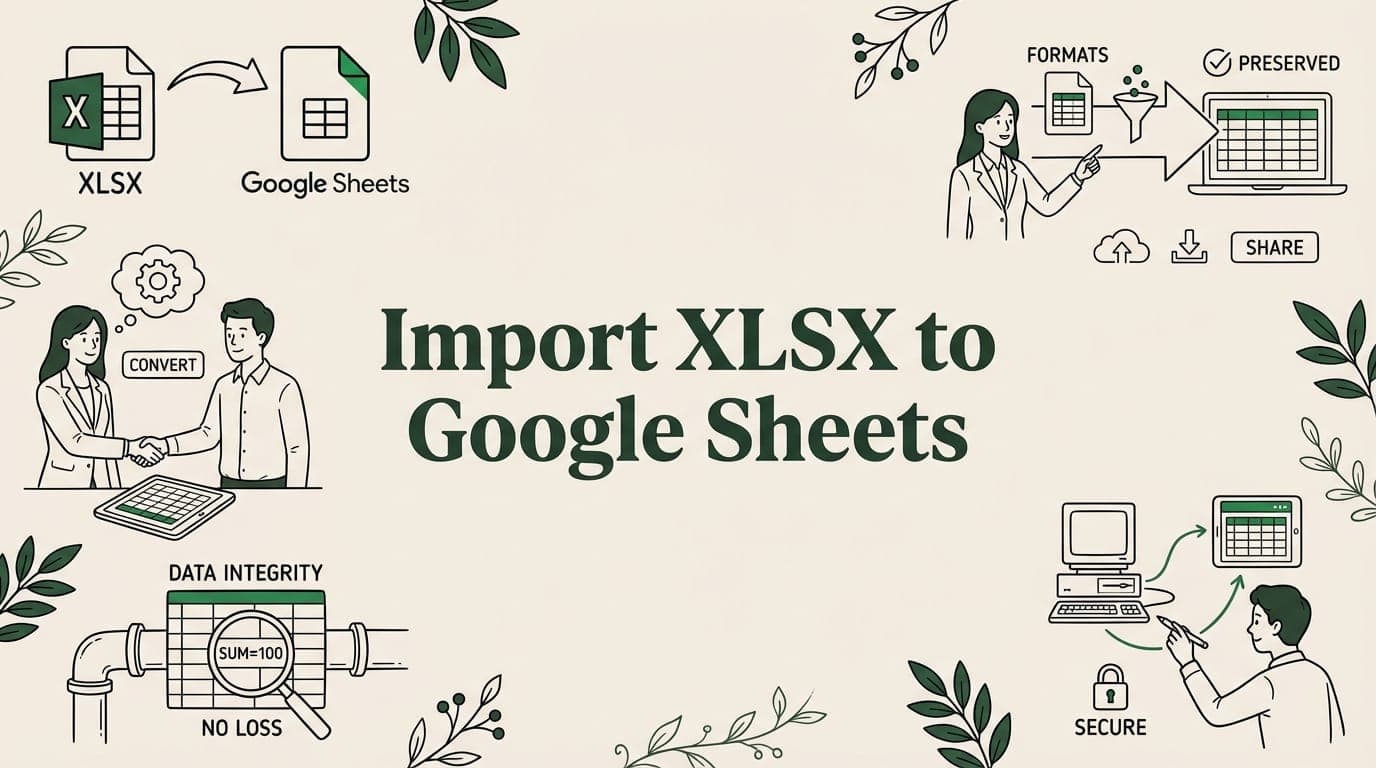
Import XLSX files to Google Sheets without losing formatting, formulas, or data. See what converts, what breaks, and how to fix common issues.

Link Excel and Google Sheets with 5 sync methods — Drive upload, IMPORTRANGE, OneDrive connectors, Sheetgo, and Apps Script. Two-way sync guide.
Big CSV and Excel imports freeze the tab and lose work. SmoothSheet does them server-side, with a backup you can roll back to.