
How to Remove Duplicate Rows in Excel A Guide for All Skill Levels
Duplicate rows in Excel are more than just an annoyance—they can seriously mess with your data's integrity.
Tips, tutorials, and insights for mastering Google Sheets data imports.
Duplicate rows in Excel are more than just an annoyance—they can seriously mess with your data's integrity.

Key Takeaways:The #REF! error means Google Sheets can't find a cell or range your formula needs.Five
Key Takeaways:HR teams can import employee data from HRIS, payroll, and ATS exports into Google Sheets using CSV or

If you have ever tried to import a 100MB CSV file into Google Sheets using the built-in File > Import

Key Takeaways:The SPLIT function breaks text into separate cells using any delimiter you chooseCombine SPLIT with INDEX to extract
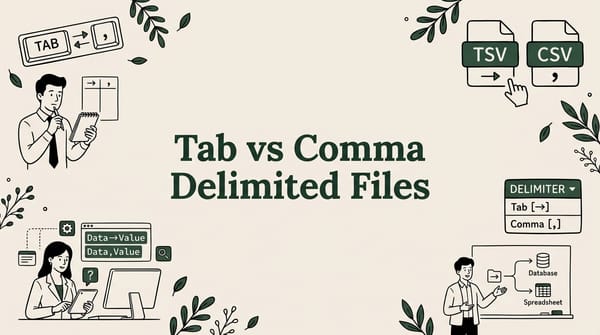
You have a data file, but your spreadsheet shows everything crammed into a single column. Sound familiar? The culprit is

Marketing teams run campaigns across Google Ads, Facebook, GA4, email platforms, and CRMs — then need all that data in one

Ready to build your first pivot table? It’s surprisingly straightforward. All it really takes is selecting your data, heading

Key Takeaways:Excel caps at 1,048,576 rows; Google Sheets at 10 million cells — large CSVs need different tools.