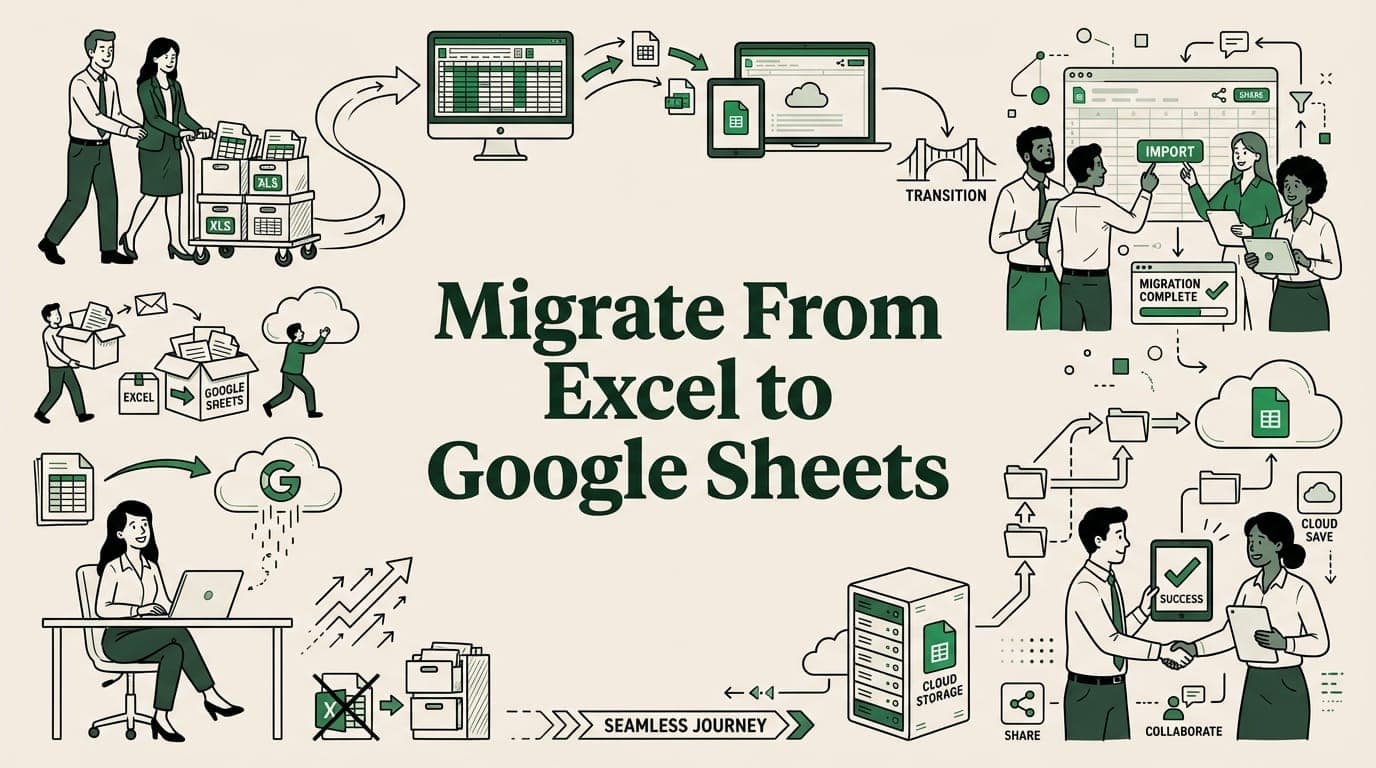
Use Cases
How to Migrate Your Team From Excel to Google Sheets
Step-by-step guide to migrating from Excel to Google Sheets. File conversion, training, large data handling, and a 4-week plan.
7 min read
Practical guides for importing large CSV and Excel files into Google Sheets without crashes. Free tools, tutorials, and tips from SmoothSheet
Step-by-step guide to migrating from Excel to Google Sheets. File conversion, training, large data handling, and a 4-week plan.

Master the FILTER function in Google Sheets. Learn syntax, multiple conditions, SORT combo, FILTER vs QUERY, and dynamic dropdown filtering.
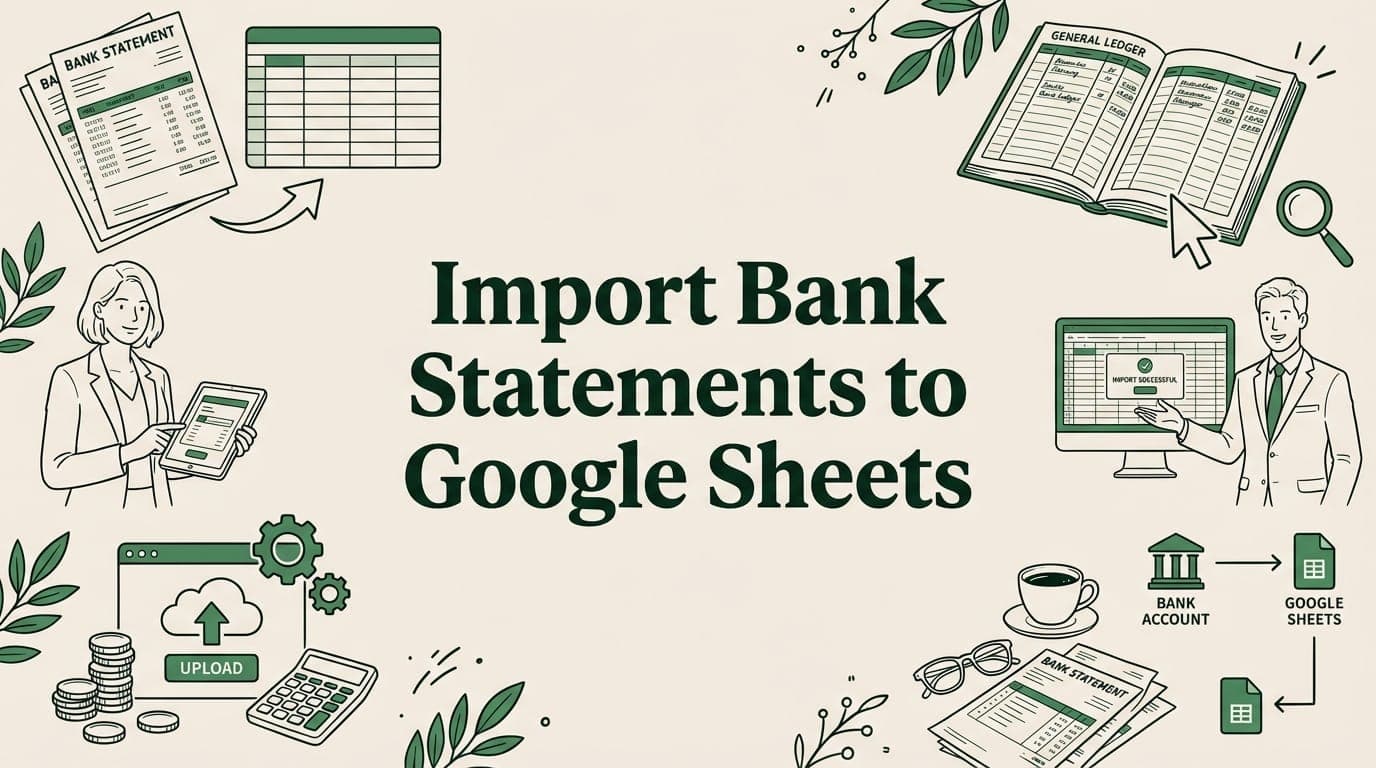
Import bank statement CSVs to Google Sheets for bookkeeping. Fix date formats, clean transactions, build monthly summaries, and automate imports.
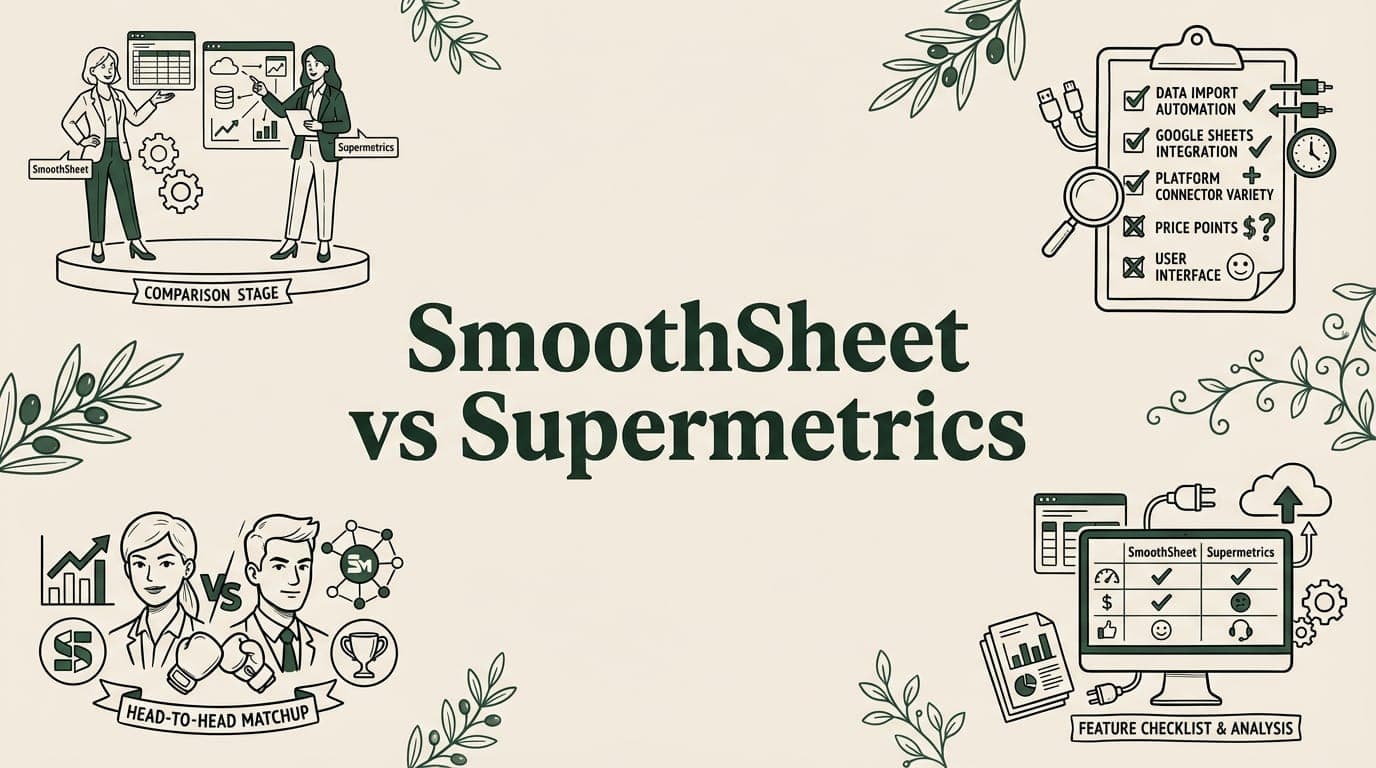
SmoothSheet vs Supermetrics compared. One excels at CSV/Excel imports, the other at marketing data. See pricing and features.
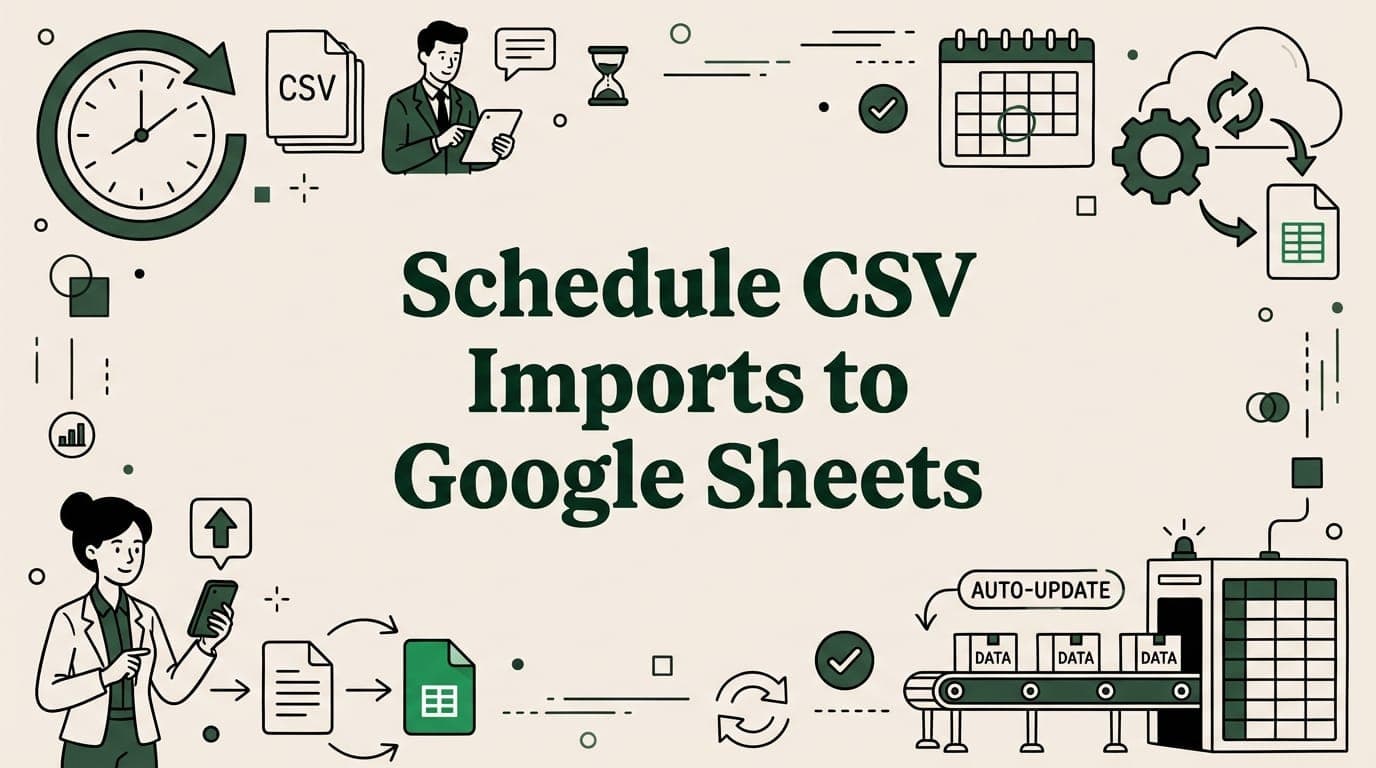
Automate CSV imports to Google Sheets with Apps Script triggers, IMPORTDATA, and add-ons. Set up daily, hourly, or weekly data refreshes.

Is excel keeps crashing? Discover practical fixes to stop crashes, stabilize your workbook, and get back to work quickly.
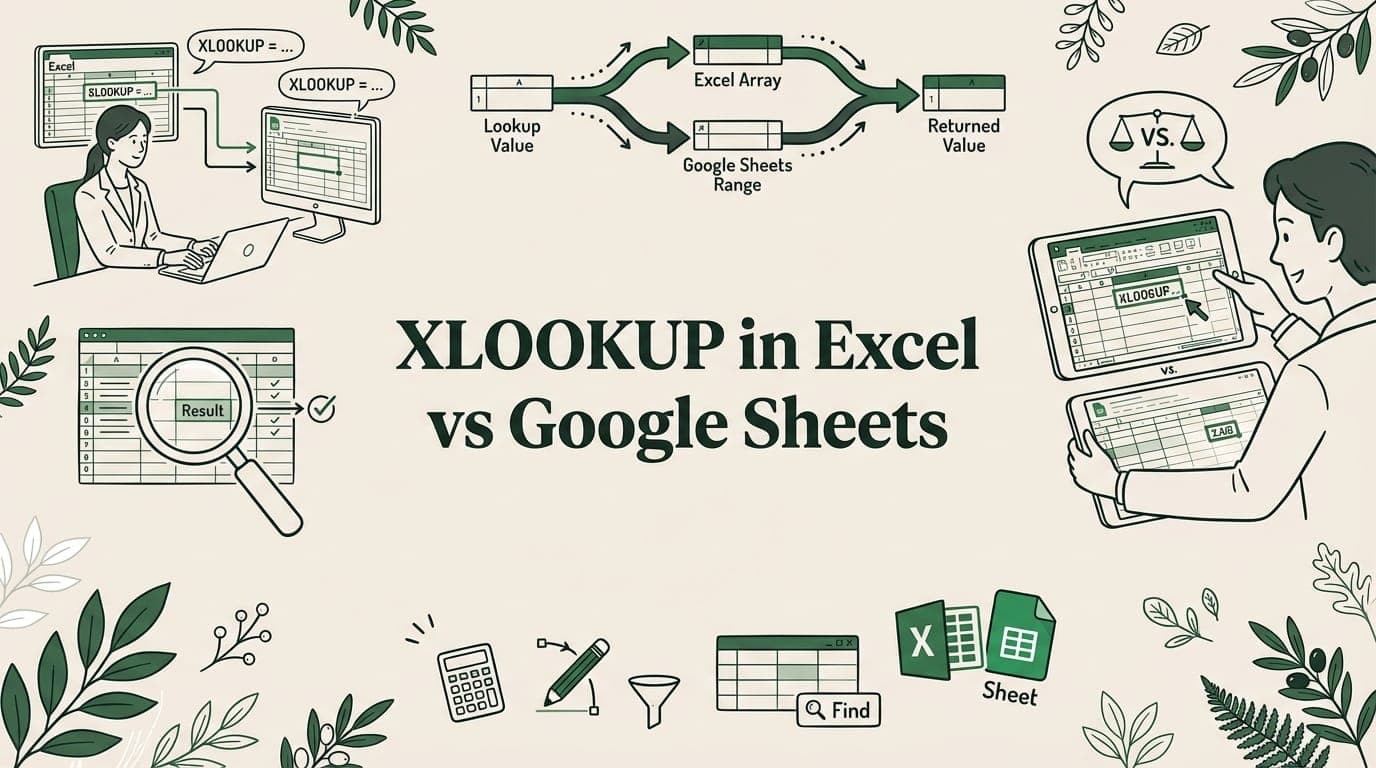
XLOOKUP works in both Excel and Google Sheets but with key differences. Compare syntax, wildcards, binary search, and cross-workbook behavior.

Import HubSpot contacts, deals, and companies to Google Sheets with CSV export, Coefficient live sync, or the HubSpot API. Step-by-step guide.

Learn how to import CSV to Google Sheets, handle large files without crashing, and solve common errors with this practical, step-by-step guide.
Big CSV and Excel imports freeze the tab and lose work. SmoothSheet does them server-side, with a backup you can roll back to.