A Guide to Import a CSV to Google Sheets Without Errors
Learn how to import a CSV to Google Sheets with our guide. We cover everything from basic methods to handling massive files without crashes or data loss.
16 min read
Topic
CSV import best practices for spreadsheets. Handle delimiters, encoding, large files, and formatting correctly.
Learn how to import a CSV to Google Sheets with our guide. We cover everything from basic methods to handling massive files without crashes or data loss.
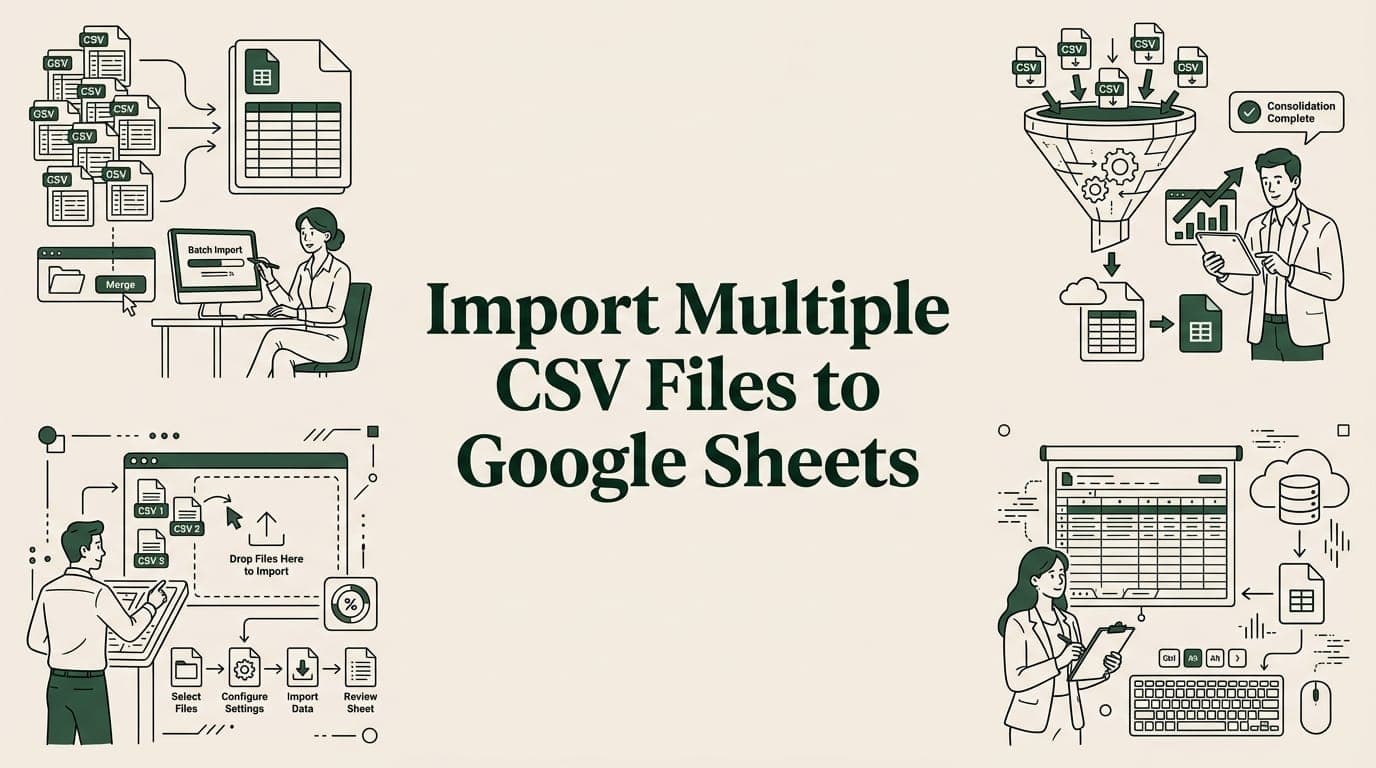
Learn 4 ways to import multiple CSV files into one Google Sheet — merge tool, Apps Script, IMPORTRANGE, and add-ons. Step-by-step guide.

Discover 10 essential data integrity best practices for spreadsheet workflows. Learn to prevent errors in CSV/XLSX imports with actionable tips.
Import HR and employee data to Google Sheets securely. Handle HRIS exports, anonymize PII, automate payroll imports, and build HR dashboards.
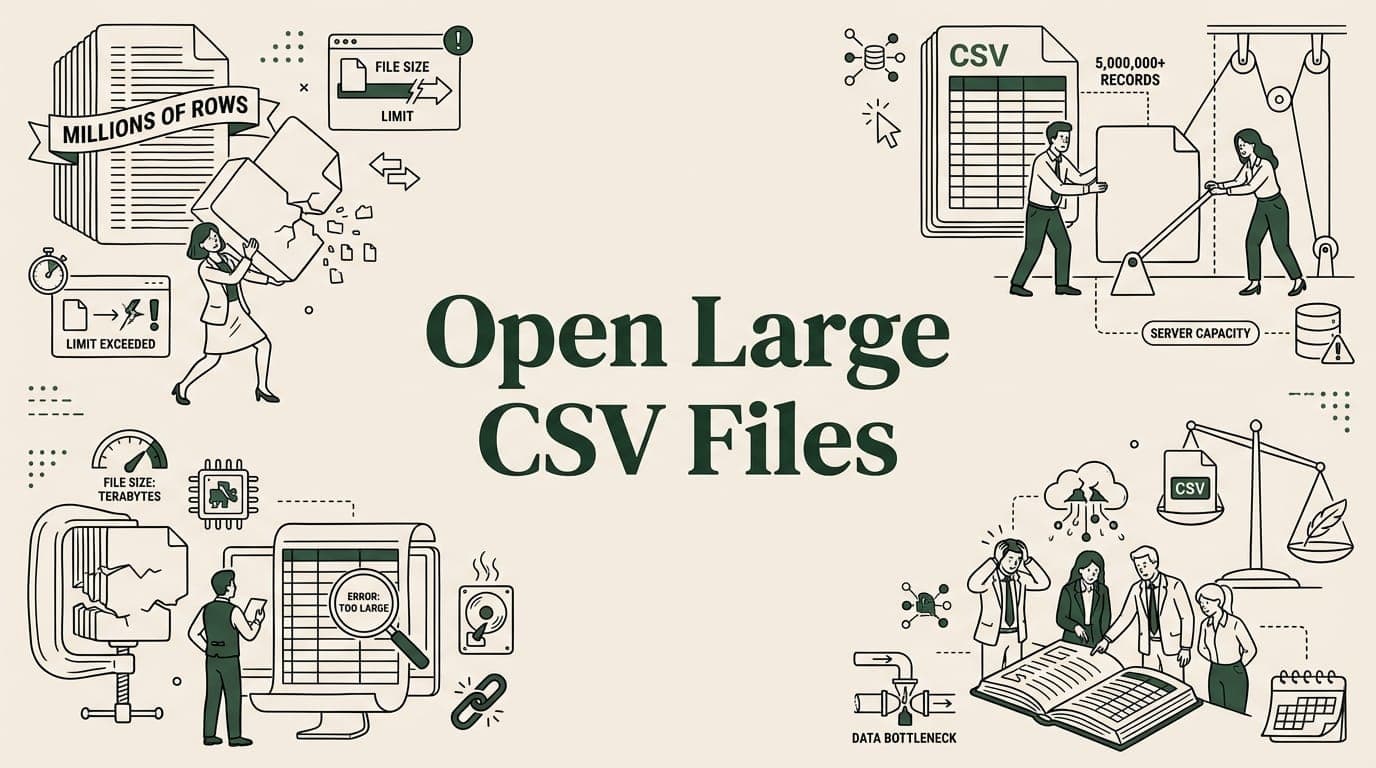
Can't open a large CSV? Learn 6 methods to handle massive CSV files — from splitting and BigQuery to Python and command-line tools.

Fix garbled characters when importing CSV to Google Sheets. Learn UTF-8 encoding, BOM headers, and how to repair special characters.
Import bank statement CSVs to Google Sheets for bookkeeping. Fix date formats, clean transactions, build monthly summaries, and automate imports.
Automate CSV imports to Google Sheets with Apps Script triggers, IMPORTDATA, and add-ons. Set up daily, hourly, or weekly data refreshes.

Manage Shopify and WooCommerce product CSVs in Google Sheets. Handle large catalogs, clean data, automate imports, and sync inventory.
Big CSV and Excel imports freeze the tab and lose work. SmoothSheet does them server-side, with a backup you can roll back to.