
A Guide to Import a CSV to Google Sheets Without Errors
Learn how to import a CSV to Google Sheets with our guide. We cover everything from basic methods to handling massive files without crashes or data loss.
16 min read
Topic
Data import guides for Google Sheets and Excel. Import CSV, Excel, JSON, and API data efficiently without errors.
Learn how to import a CSV to Google Sheets with our guide. We cover everything from basic methods to handling massive files without crashes or data loss.

Learn how to import a CSV into Google Sheets, even massive files. Our guide covers handling errors, large datasets, and professional import workflows.

How marketing teams import Google Ads, Facebook, and GA4 data to Google Sheets. Compare manual exports, add-ons, and dashboard building methods.
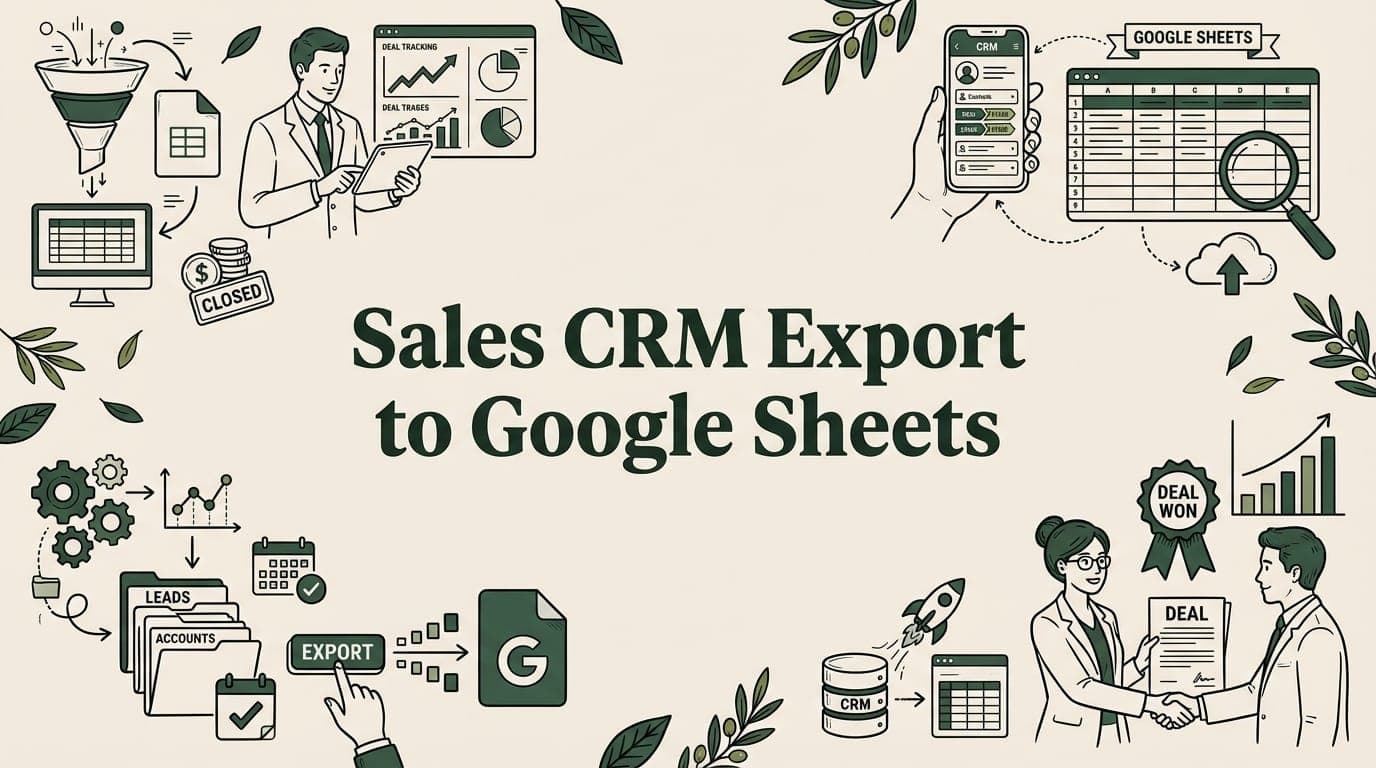
Export Salesforce, HubSpot, and Pipedrive data to Google Sheets. Handle large CRM exports, build sales dashboards, and automate data refresh.

Import Stripe payments, subscriptions, and revenue data to Google Sheets. 4 methods from CSV export to API integration.
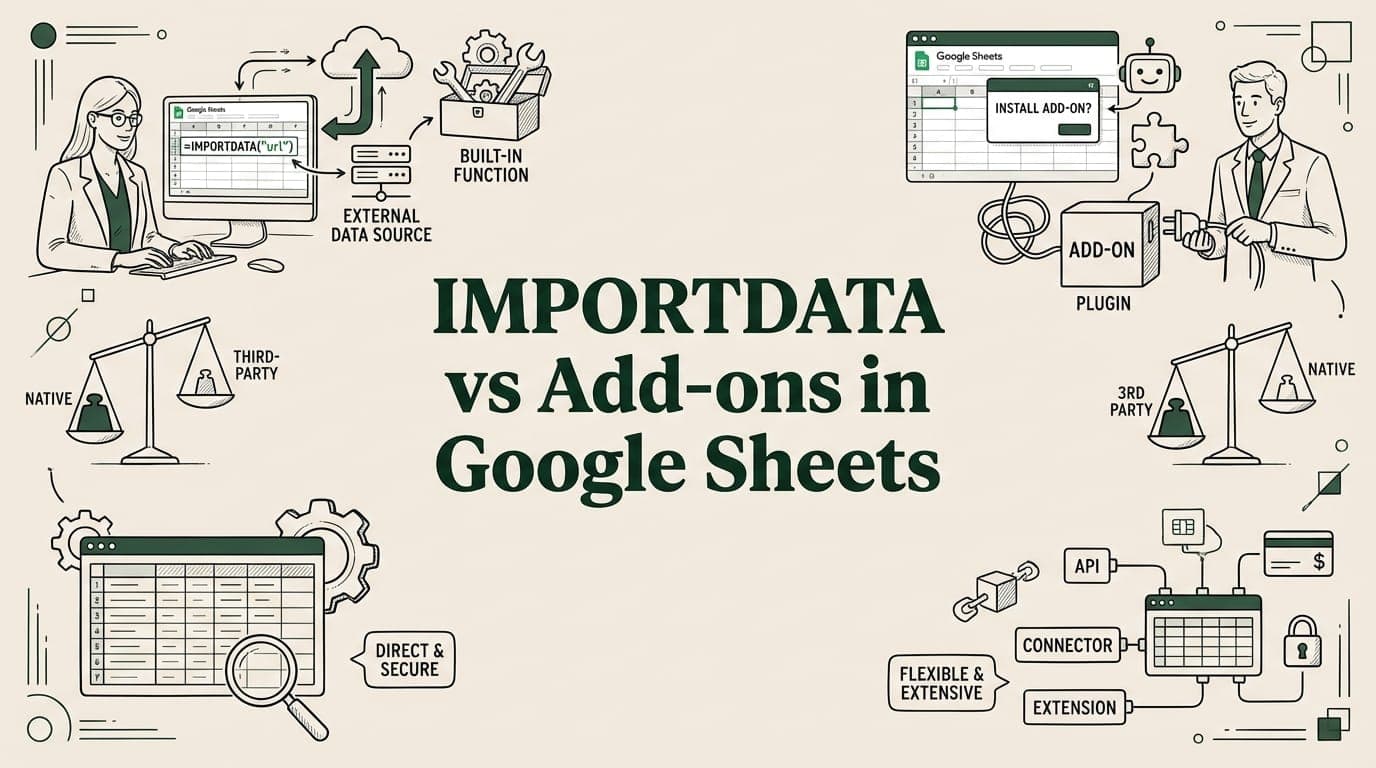
IMPORTDATA has a 50K cell limit and only works with public URLs. Compare it to add-ons like SmoothSheet, Supermetrics, and Coefficient.

Looking for Sheetgo alternatives? Compare 5 Google Sheets tools — SmoothSheet, Coupler.io, Coefficient, Supermetrics, and Zapier with pricing.

SmoothSheet vs Supermetrics compared. One excels at CSV/Excel imports, the other at marketing data. See pricing and features.

Import HubSpot contacts, deals, and companies to Google Sheets with CSV export, Coefficient live sync, or the HubSpot API. Step-by-step guide.
Big CSV and Excel imports freeze the tab and lose work. SmoothSheet does them server-side, with a backup you can roll back to.