How To
How to Fix File Is Too Large Error in Google Sheets
Google Sheets file too large error? Learn 5 proven fixes: split files, convert Excel to CSV, and use server-side import tools.
8 min read
Topic
Google Sheets row and cell limits explained. 10 million cell cap, maximum rows and columns, and how to work around size restrictions.
Google Sheets file too large error? Learn 5 proven fixes: split files, convert Excel to CSV, and use server-side import tools.
Google Sheets file size limit is 100MB for uploads and 10 million cells per spreadsheet. Learn every limit and 5 ways to work around them.
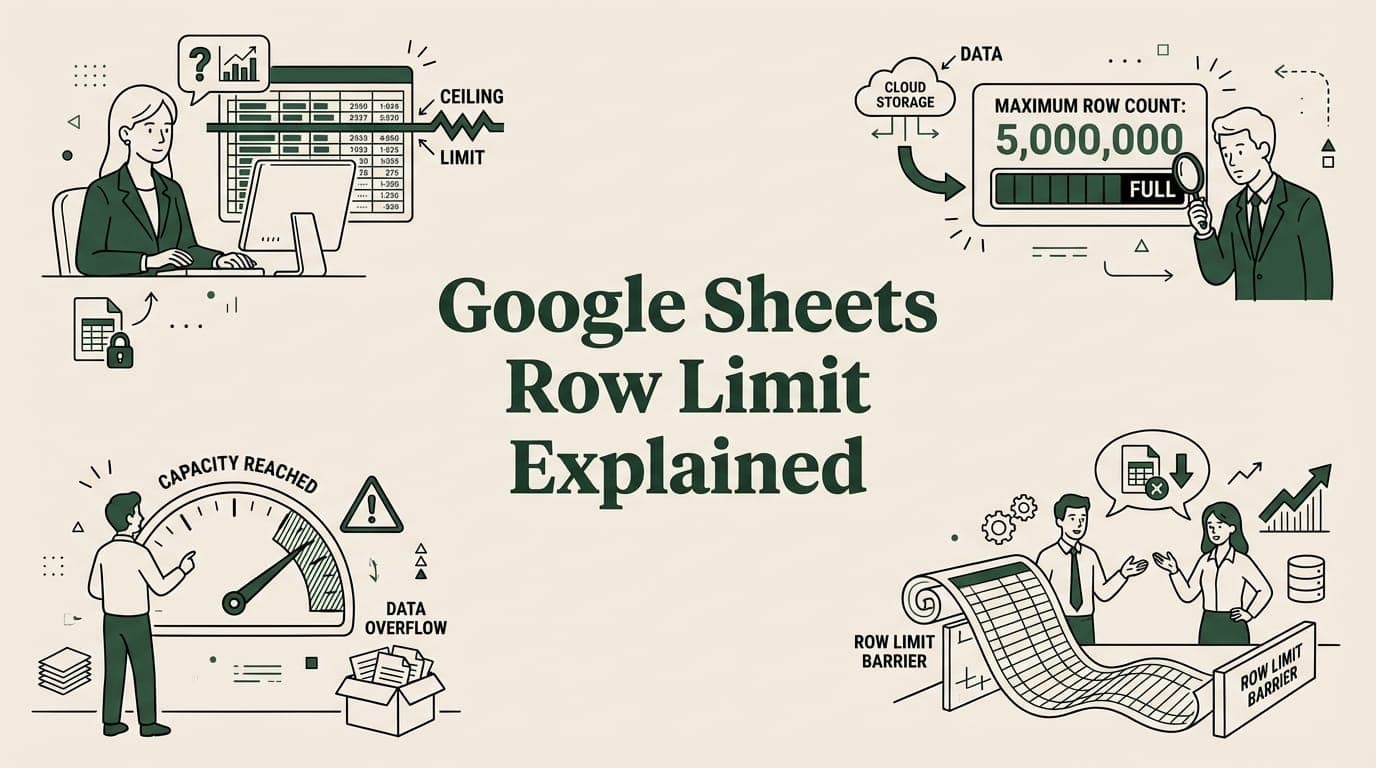
Google Sheets supports up to 10 million cells — but rows depend on your columns. Learn the real limits and 5 ways to work around them.
Big CSV and Excel imports freeze the tab and lose work. SmoothSheet does them server-side, with a backup you can roll back to.