
Import Excel File Into Google Sheets Without The Headaches
Getting an Excel file into Google Sheets is usually a simple affair, thanks to the built-in File > Import tool.
Handle large CSV and Excel file imports in Google Sheets. Server-side processing, file splitting, and workarounds for browser crashes.
Getting an Excel file into Google Sheets is usually a simple affair, thanks to the built-in File > Import tool.

The easiest way to get your Excel data into Google Sheets is by using the built-in File > Import function.
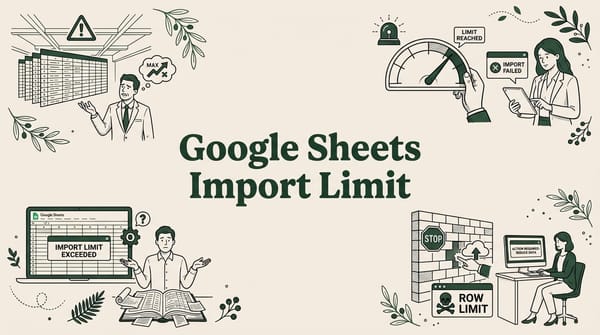
You just tried to pull a dataset into Google Sheets and hit a wall. Maybe =IMPORTDATA() returned an error, or

If you have ever tried to import a 100MB CSV file into Google Sheets using the built-in File > Import

If you work with data in Google Sheets, you have probably searched for tools that make importing easier. SmoothSheet vs

If you work with CSV files regularly, you already know the frustration: you try to import a large dataset into

Key Takeaways:You can convert Excel to Google Sheets by uploading to Drive, importing, or using "Open with"

Key Takeaways:Shopify lets you export orders as CSV from your admin panel in just a few clicksStores with 10,
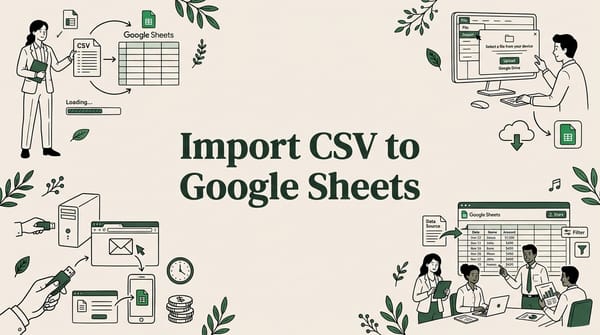
Whether you're pulling data from a CRM export, a financial report, or an analytics dashboard, knowing how to