
Import Excel File Into Google Sheets Without The Headaches
Getting an Excel file into Google Sheets is usually a simple affair, thanks to the built-in File > Import tool.
Expert tips and tricks for Google Sheets. Boost your productivity with formulas, shortcuts, and advanced features.
Getting an Excel file into Google Sheets is usually a simple affair, thanks to the built-in File > Import tool.

Moving your data from Excel to Google Sheets seems like it should be a simple, one-click affair. In reality, it’

Sorting data is one of the most common things you'll do in any spreadsheet. Whether you need to

Regular expressions might sound intimidating, but Google Sheets makes them surprisingly approachable. With three built-in Google Sheets regex functions — REGEXMATCH,

Key Takeaways:Select your data and go to Insert > Chart to create any chart in secondsGoogle Sheets supports 30+
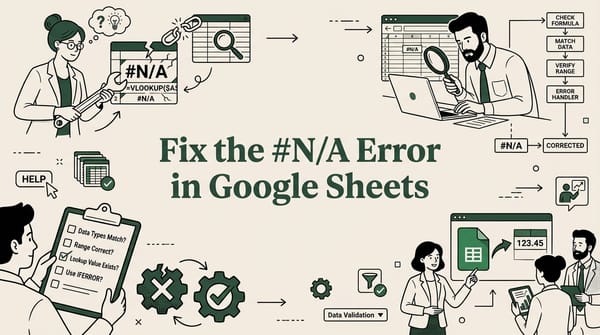
Key Takeaways:The #N/A error means Google Sheets cannot find the value your formula is looking forVLOOKUP and XLOOKUP

Key Takeaways:Google Sheets has no built-in JSON import function — you need Apps Script, a custom library, or a third-party
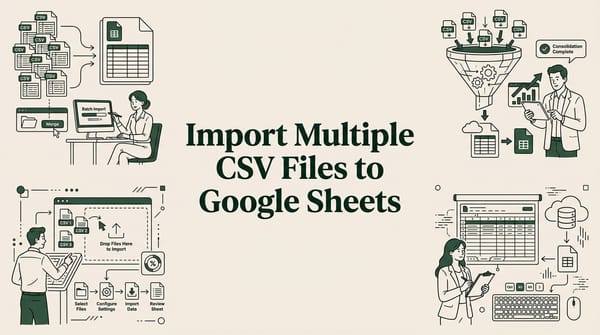
Key Takeaways:You can import multiple CSV files into one Google Sheet using a merge tool, Apps Script, IMPORTRANGE, or

Spreadsheets are the workhorses of modern business, handling everything from financial models to customer lists. But their flexibility is also