How To
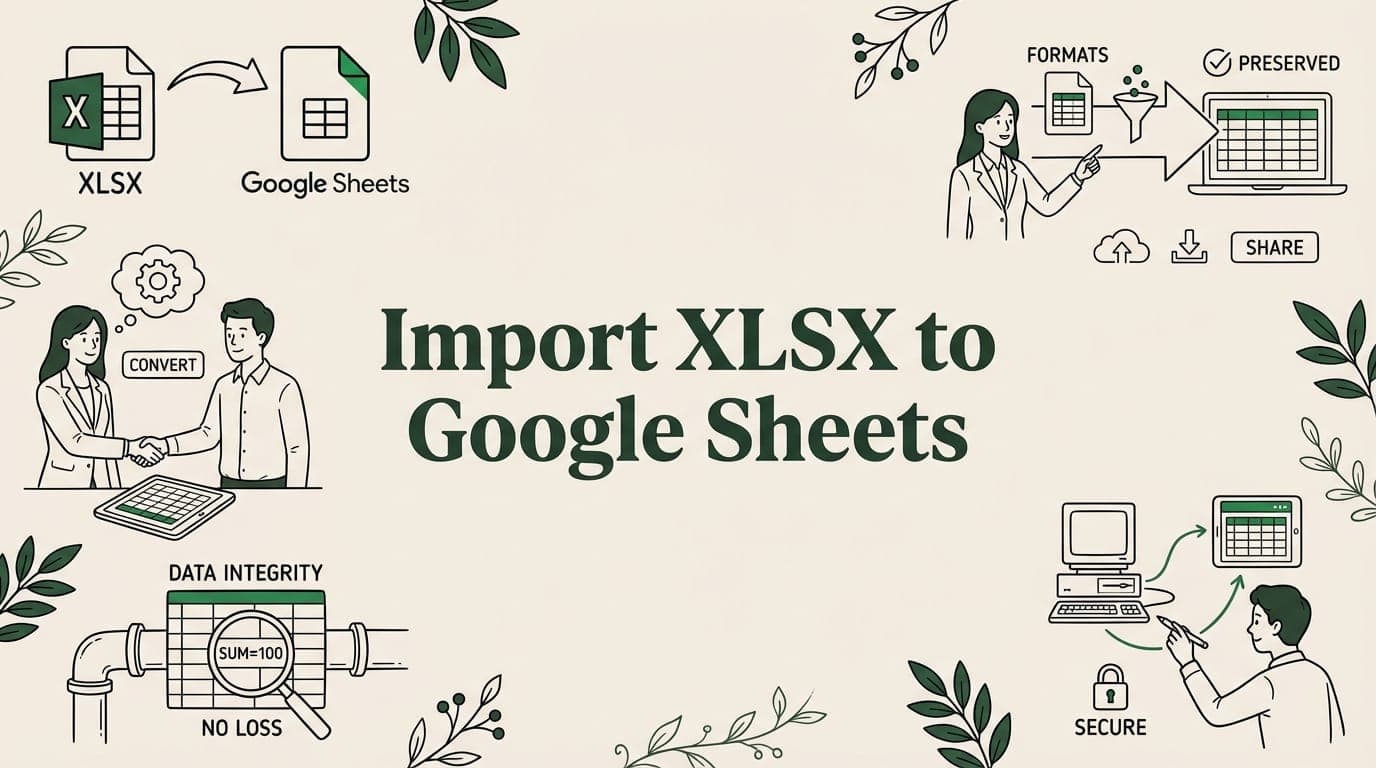
How to Import XLSX to Google Sheets Without Losing Data
Import XLSX files to Google Sheets without losing formatting, formulas, or data. See what converts, what breaks, and how to fix common issues.
7 min read
Topic
Expert tips and tricks for Google Sheets. Boost your productivity with formulas, shortcuts, and advanced features.
Import XLSX files to Google Sheets without losing formatting, formulas, or data. See what converts, what breaks, and how to fix common issues.

Link Excel and Google Sheets with 5 sync methods — Drive upload, IMPORTRANGE, OneDrive connectors, Sheetgo, and Apps Script. Two-way sync guide.

Master 50+ Google Sheets keyboard shortcuts for navigation, editing, formatting, and formulas. Windows and Mac cheat sheet included.

Use the UNIQUE function in Google Sheets to extract distinct values, deduplicate rows, and build dynamic dropdowns. Syntax, examples, and tips.

Freeze rows and columns in Google Sheets to keep headers visible while scrolling. Step-by-step guide with tips for large datasets.

Track inventory in Google Sheets with formulas, low-stock alerts, and CSV imports. Build a free inventory management system step by step.

Remove duplicates in Google Sheets with 5 methods — built-in tool, UNIQUE function, conditional formatting, COUNTIF, and Apps Script.
Google Sheets import limits: IMPORTDATA (50K cells), IMPORTRANGE (10M), file upload (100MB), and API quotas. Plus workarounds.

Build a project management system in Google Sheets. Create task trackers, Gantt charts, team dashboards with formulas and conditional formatting.
Big CSV and Excel imports freeze the tab and lose work. SmoothSheet does them server-side, with a backup you can roll back to.