Import Excel File Into Google Sheets Without The Headaches
Learn how to import Excel file into Google Sheets, from simple uploads to large files that freeze your browser. This practical guide has solutions that work.
15 min read
Topic
Expert tips and tricks for Google Sheets. Boost your productivity with formulas, shortcuts, and advanced features.
Learn how to import Excel file into Google Sheets, from simple uploads to large files that freeze your browser. This practical guide has solutions that work.

Stop fighting with broken formulas and unresponsive pages. Use our guide to find an Excel to Google Sheets converter that handles large files seamlessly.

Master SORT and SORTN in Google Sheets. Sort by multiple columns, get top N results, handle ties, and combine with FILTER and UNIQUE.
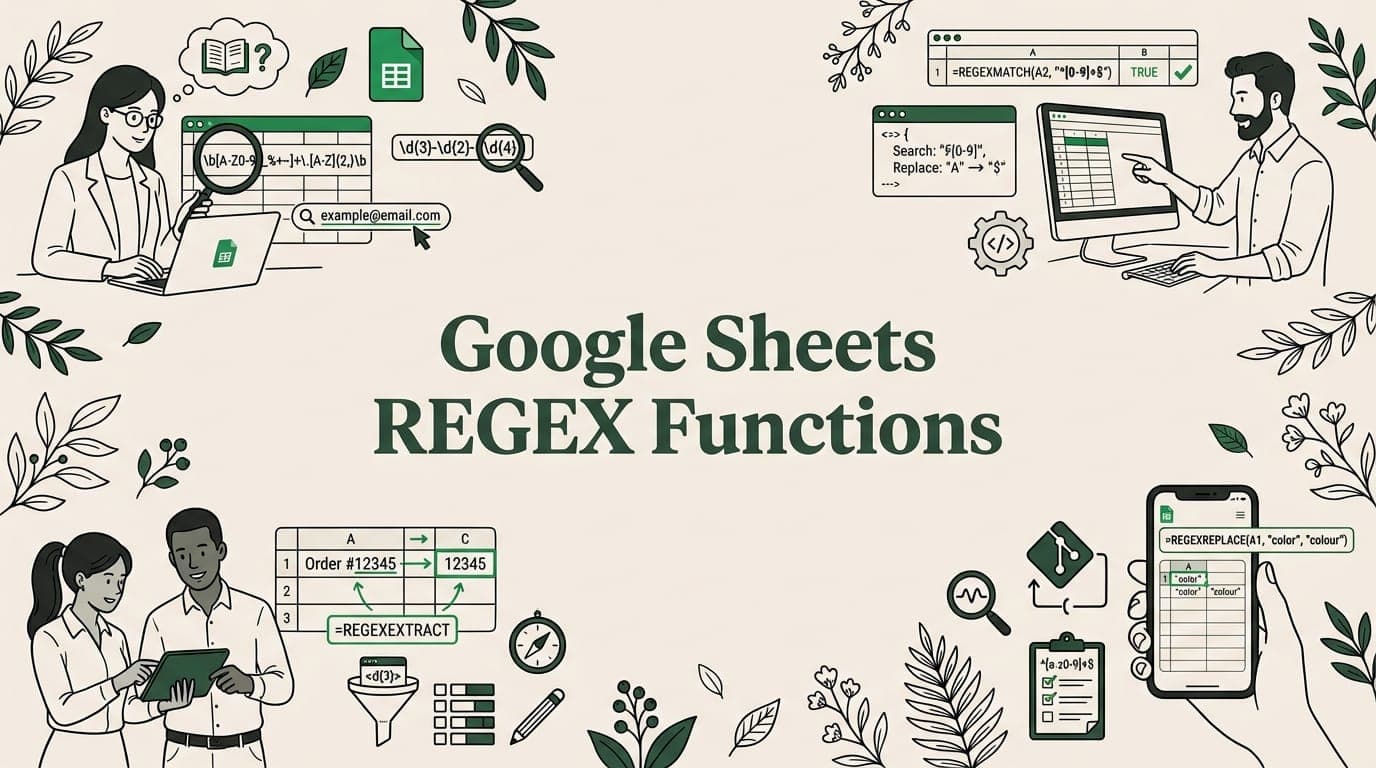
Learn REGEXMATCH, REGEXEXTRACT, and REGEXREPLACE in Google Sheets. Validate emails, extract URLs, clean data with regex patterns and examples.

Create charts in Google Sheets step by step. Learn bar, line, pie, scatter, and combo charts plus customization, sparklines, and publishing tips.

Fix the #N/A error in Google Sheets. Troubleshoot VLOOKUP, IMPORTRANGE, MATCH failures and learn to handle errors with IFERROR and IFNA.

Import JSON data to Google Sheets using Apps Script, IMPORTDATA, or third-party tools. Step-by-step guide with code examples for nested JSON.
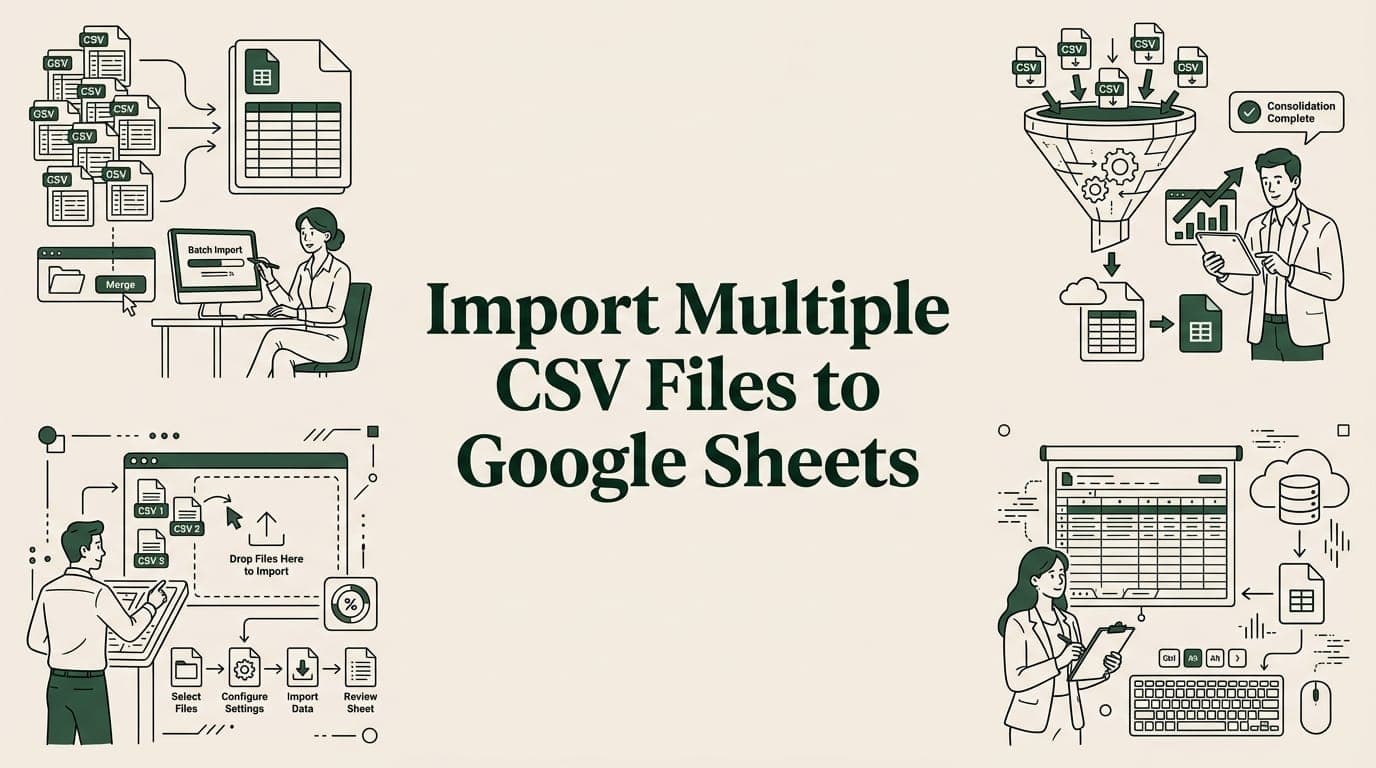
Learn 4 ways to import multiple CSV files into one Google Sheet — merge tool, Apps Script, IMPORTRANGE, and add-ons. Step-by-step guide.

Discover 10 essential data integrity best practices for spreadsheet workflows. Learn to prevent errors in CSV/XLSX imports with actionable tips.
Big CSV and Excel imports freeze the tab and lose work. SmoothSheet does them server-side, with a backup you can roll back to.