How To
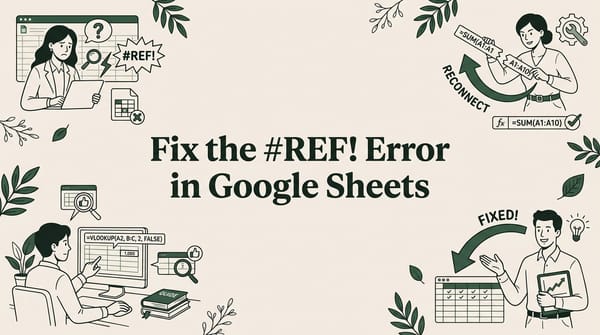
How to Fix the #REF! Error in Google Sheets (Every Cause Explained)
Key Takeaways:The #REF! error means Google Sheets can't find a cell or range your formula needs.Five
Expert tips and tricks for Google Sheets. Boost your productivity with formulas, shortcuts, and advanced features.
Key Takeaways:The #REF! error means Google Sheets can't find a cell or range your formula needs.Five
Key Takeaways:HR teams can import employee data from HRIS, payroll, and ATS exports into Google Sheets using CSV or

If you have ever tried to import a 100MB CSV file into Google Sheets using the built-in File > Import

Key Takeaways:The SPLIT function breaks text into separate cells using any delimiter you chooseCombine SPLIT with INDEX to extract

You have a data file, but your spreadsheet shows everything crammed into a single column. Sound familiar? The culprit is

Marketing teams run campaigns across Google Ads, Facebook, GA4, email platforms, and CRMs — then need all that data in one

Key Takeaways:Excel caps at 1,048,576 rows; Google Sheets at 10 million cells — large CSVs need different tools.
Key Takeaways:Most CRMs (Salesforce, HubSpot, Pipedrive) export data as CSV files you can open in Google SheetsCRM exports over
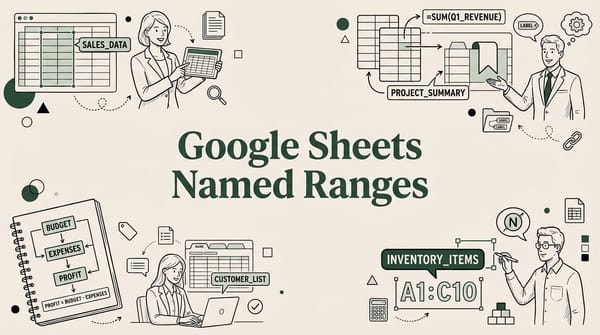
If you've ever stared at a formula like =SUMIF(B2:B500,D2,E2:E500) and had no idea