
How To
How to Fix the #REF! Error in Google Sheets (Every Cause Explained)
Getting a #REF! error in Google Sheets? Learn every cause — deleted cells, circular references, VLOOKUP, IMPORTRANGE — and how to fix them.
6 min read
Topic
Expert tips and tricks for Google Sheets. Boost your productivity with formulas, shortcuts, and advanced features.
Getting a #REF! error in Google Sheets? Learn every cause — deleted cells, circular references, VLOOKUP, IMPORTRANGE — and how to fix them.
Import HR and employee data to Google Sheets securely. Handle HRIS exports, anonymize PII, automate payroll imports, and build HR dashboards.

Browser-side CSV processing crashes on large files. Learn how server-side processing works for Google Sheets imports over 50MB.

Master the SPLIT function in Google Sheets. Parse text by commas, spaces, or custom delimiters. Examples with INDEX, ARRAYFORMULA, and TEXTJOIN.
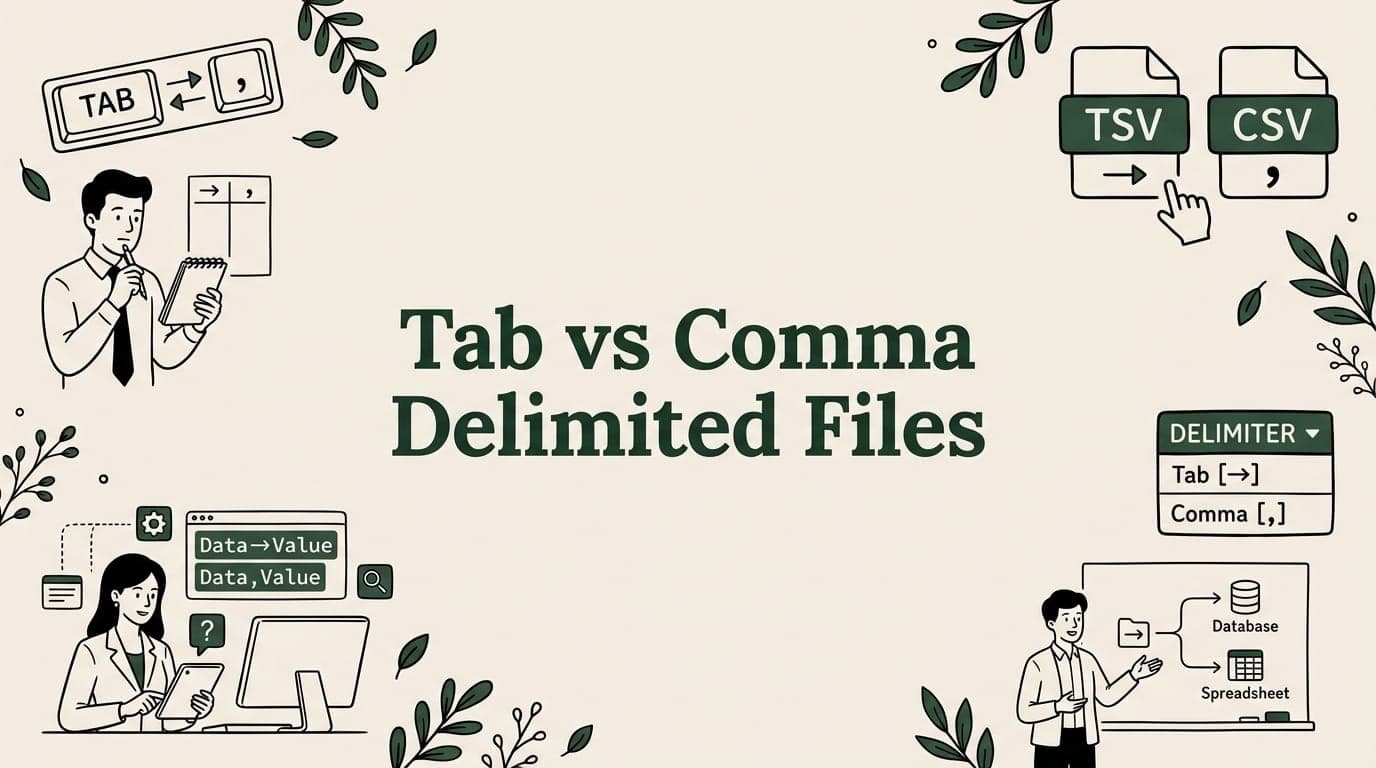
Tab or comma delimited? Compare CSV vs TSV formats, learn when to use each, and convert between them with free tools.

How marketing teams import Google Ads, Facebook, and GA4 data to Google Sheets. Compare manual exports, add-ons, and dashboard building methods.

Can't open a large CSV? Learn 6 methods to handle massive CSV files — from splitting and BigQuery to Python and command-line tools.
Export Salesforce, HubSpot, and Pipedrive data to Google Sheets. Handle large CRM exports, build sales dashboards, and automate data refresh.

Named ranges make Google Sheets formulas readable and maintainable. Learn to create, use in SUMIF/VLOOKUP/QUERY, and manage named ranges.
Big CSV and Excel imports freeze the tab and lose work. SmoothSheet does them server-side, with a backup you can roll back to.